Get started
almyty turns any API into tools your AI agents can call, served over MCP, A2A, UTCP, and Agent Skills. This page takes you from an empty account to your own API running inside Claude Code (or Cursor, or any MCP client) in a few minutes.
Do every step in the UI or from the CLI. Start on the hosted platform (no card required), or self-host with one container.
npm install -g @almyty/cli
almyty login
1. Turn an API into tools
Open APIs → Connect API, give it a name, and paste a schema URL. OpenAPI, GraphQL, SOAP, Protobuf, or an npm SDK all work. Leave Generate Tools checked.
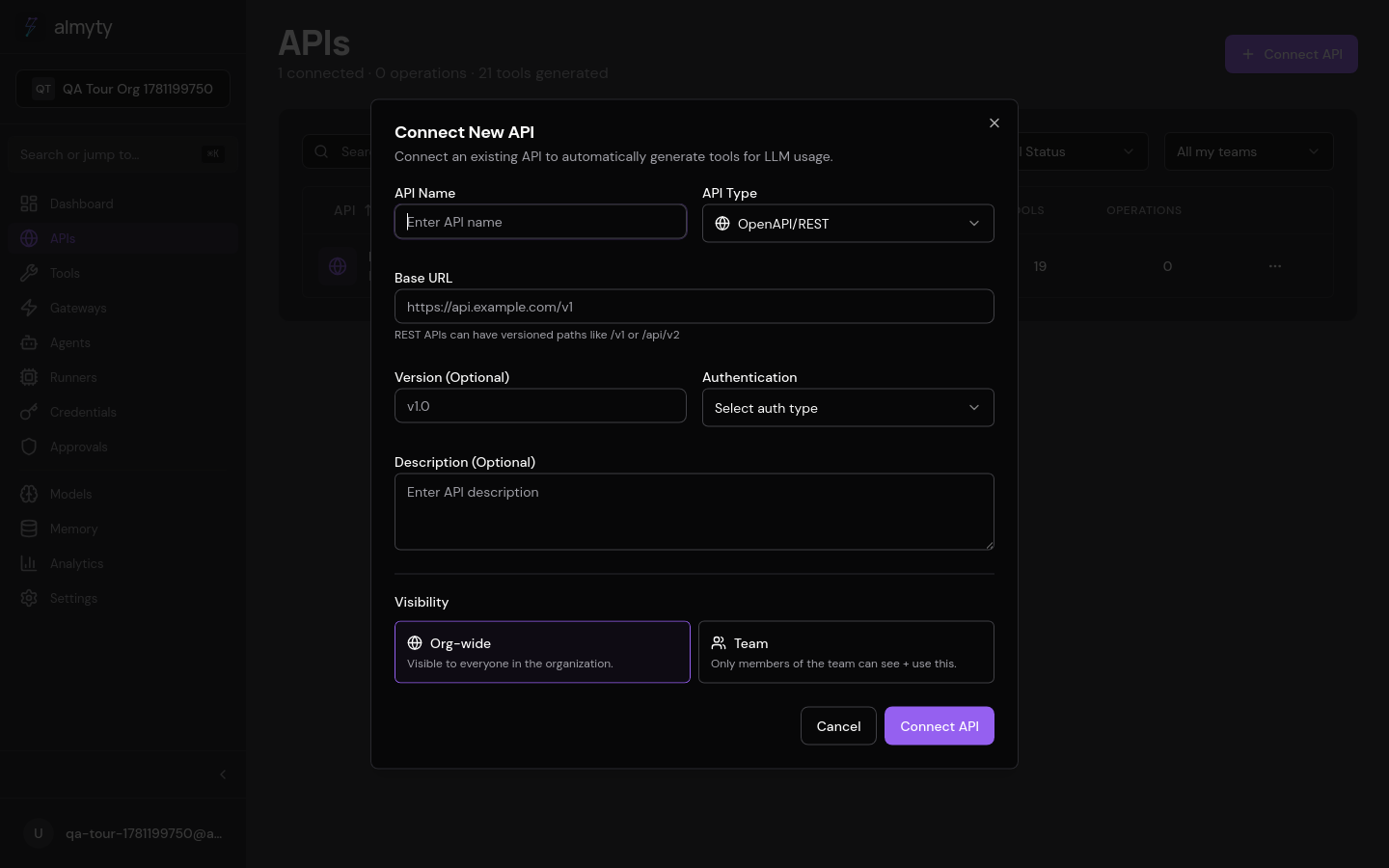
Every operation in the schema becomes a typed, validated tool. No code.
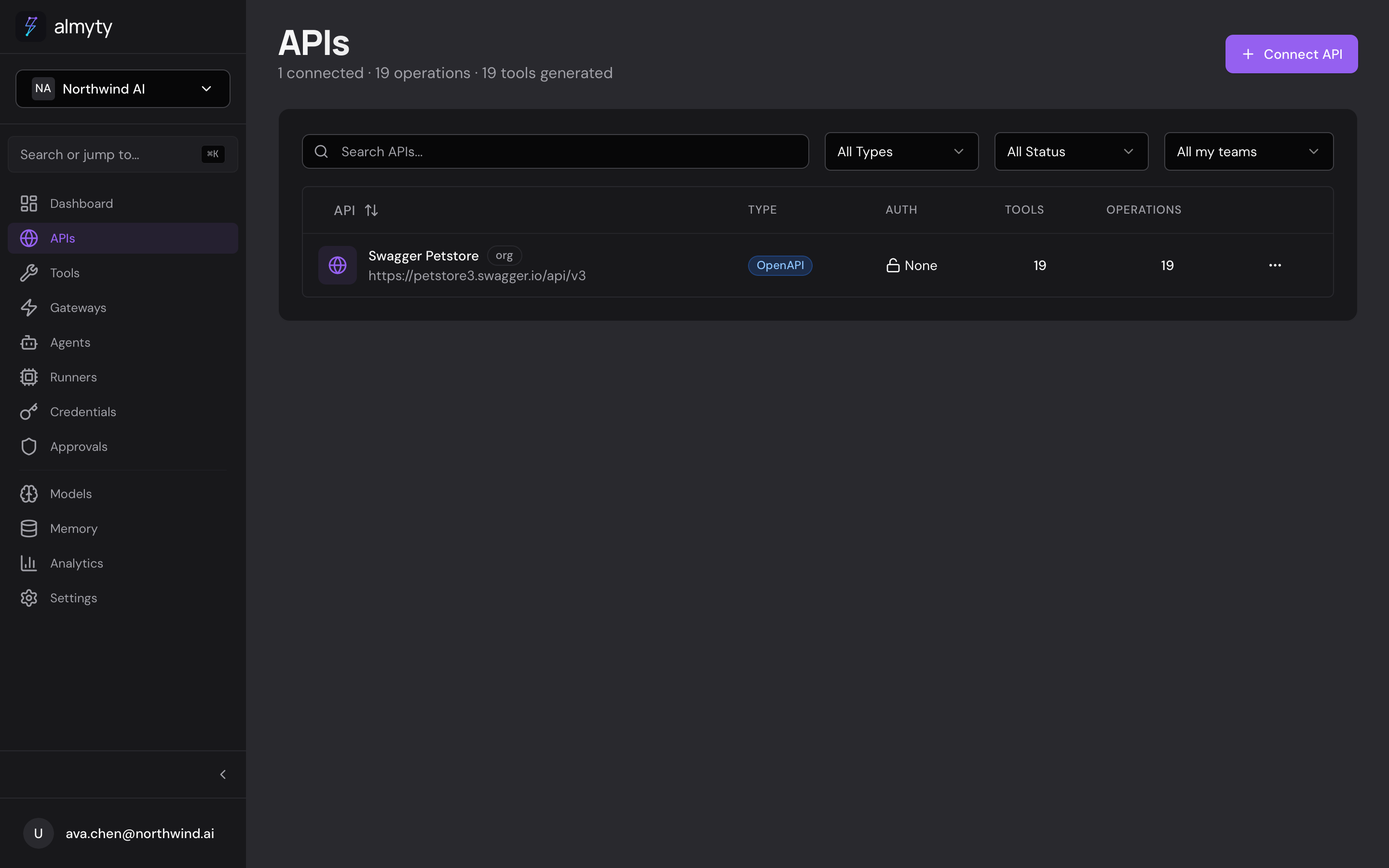
2. Publish a gateway
Tools reach your AI through a gateway. Open Gateways → Create Gateway, pick MCP, and assign the tools you just made from the Tool Scoping tab.
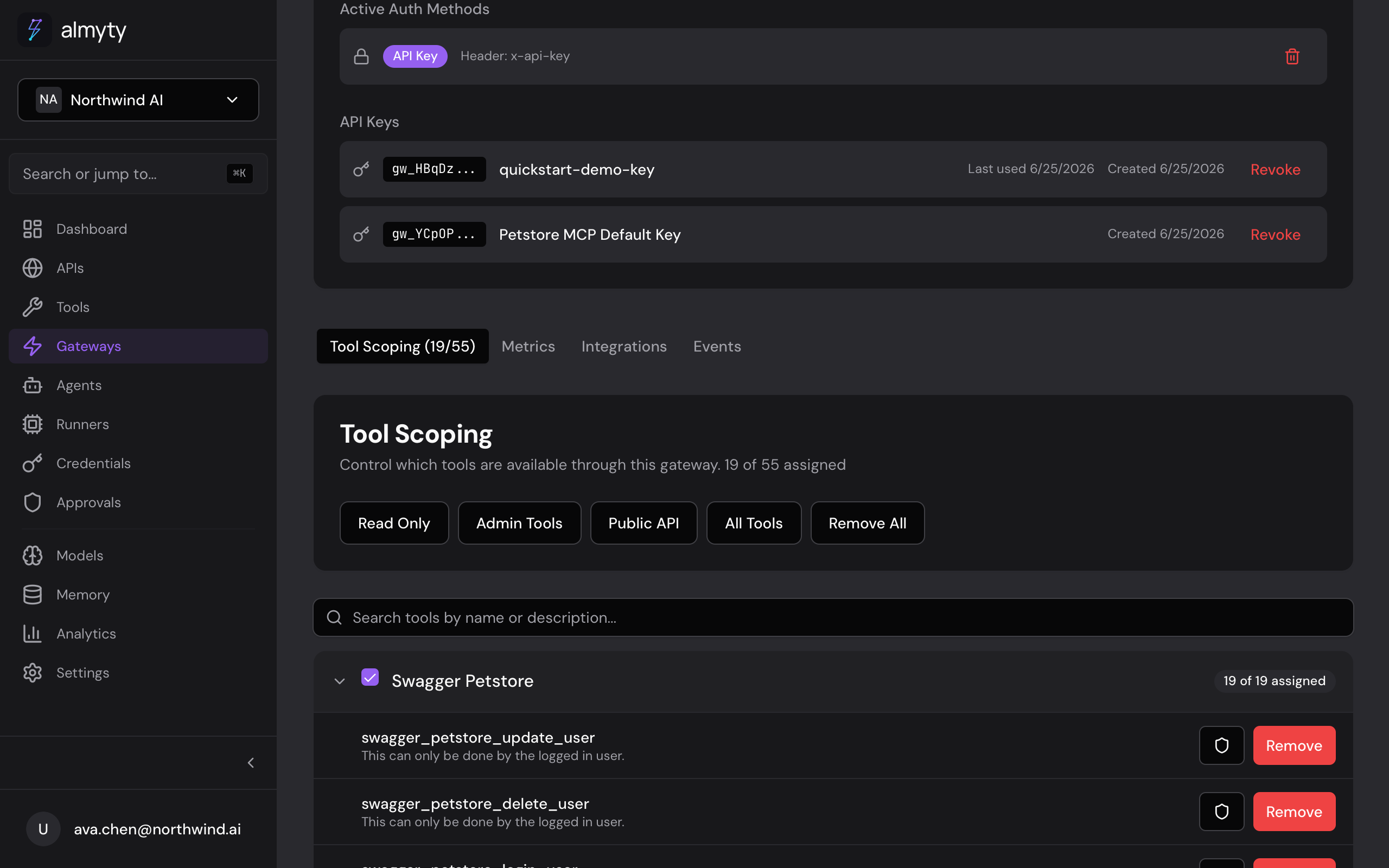
One gateway is reachable over every protocol at once:
| Protocol | For |
|---|---|
| MCP | Claude Code, Cursor, Windsurf, and other MCP clients |
| A2A | Google’s Agent-to-Agent orchestration |
| UTCP | Universal Tool Call Protocol |
| Agent Skills | 30+ AI coding agents via SKILL.md |
3. Call it from your AI (the payoff)
Point your assistant at the gateway and your API is live inside it. Grab the endpoint from the gateway’s Integrations tab (it looks like https://api.almyty.com/your-org/petstore) and a key from its Authentication panel. Then, in Claude Code:
claude mcp add petstore --transport http \
  --header "x-api-key: gw_live_..." \
  https://api.almyty.com/your-org/petstore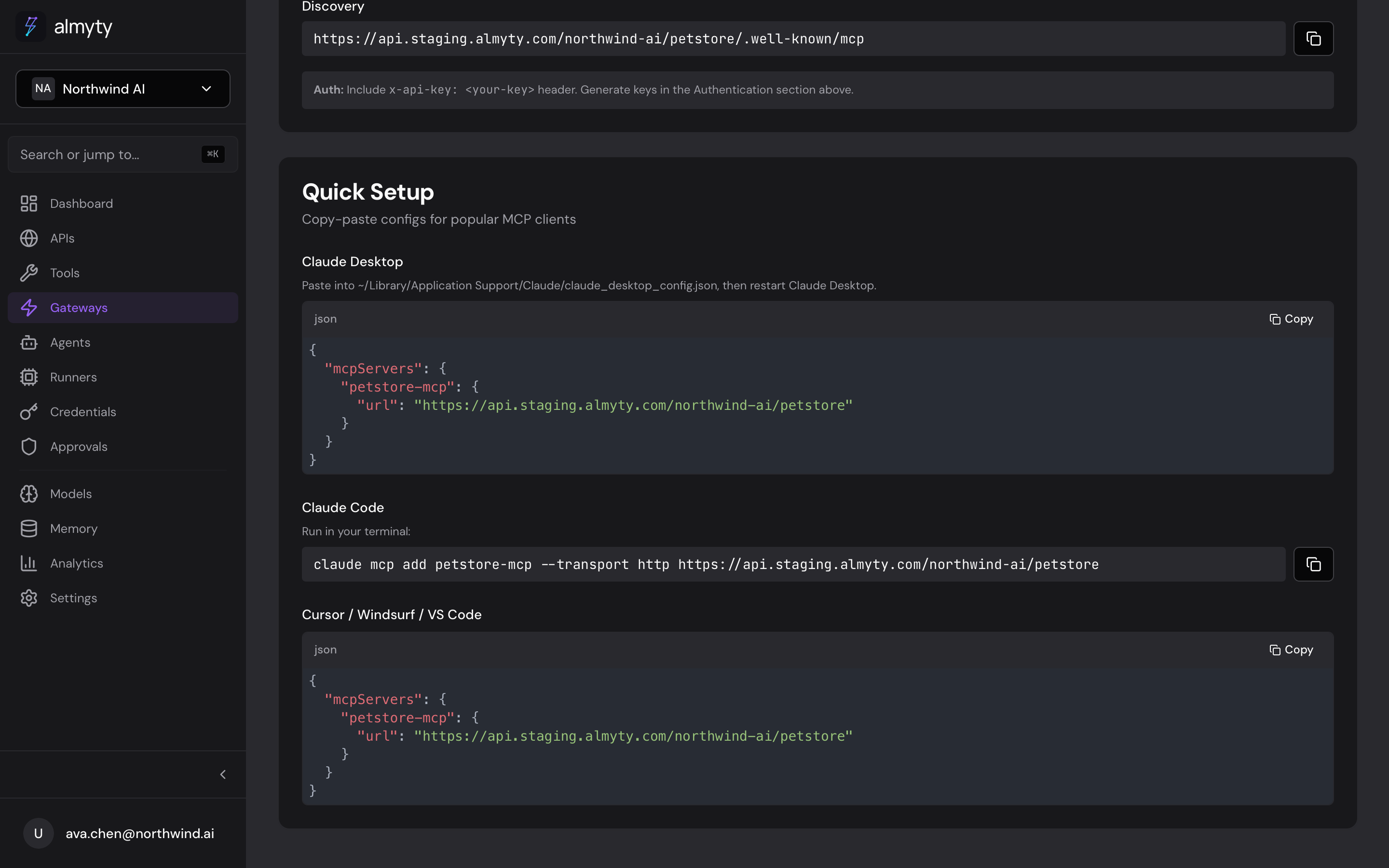
Ask Claude to do something and it calls your API directly:
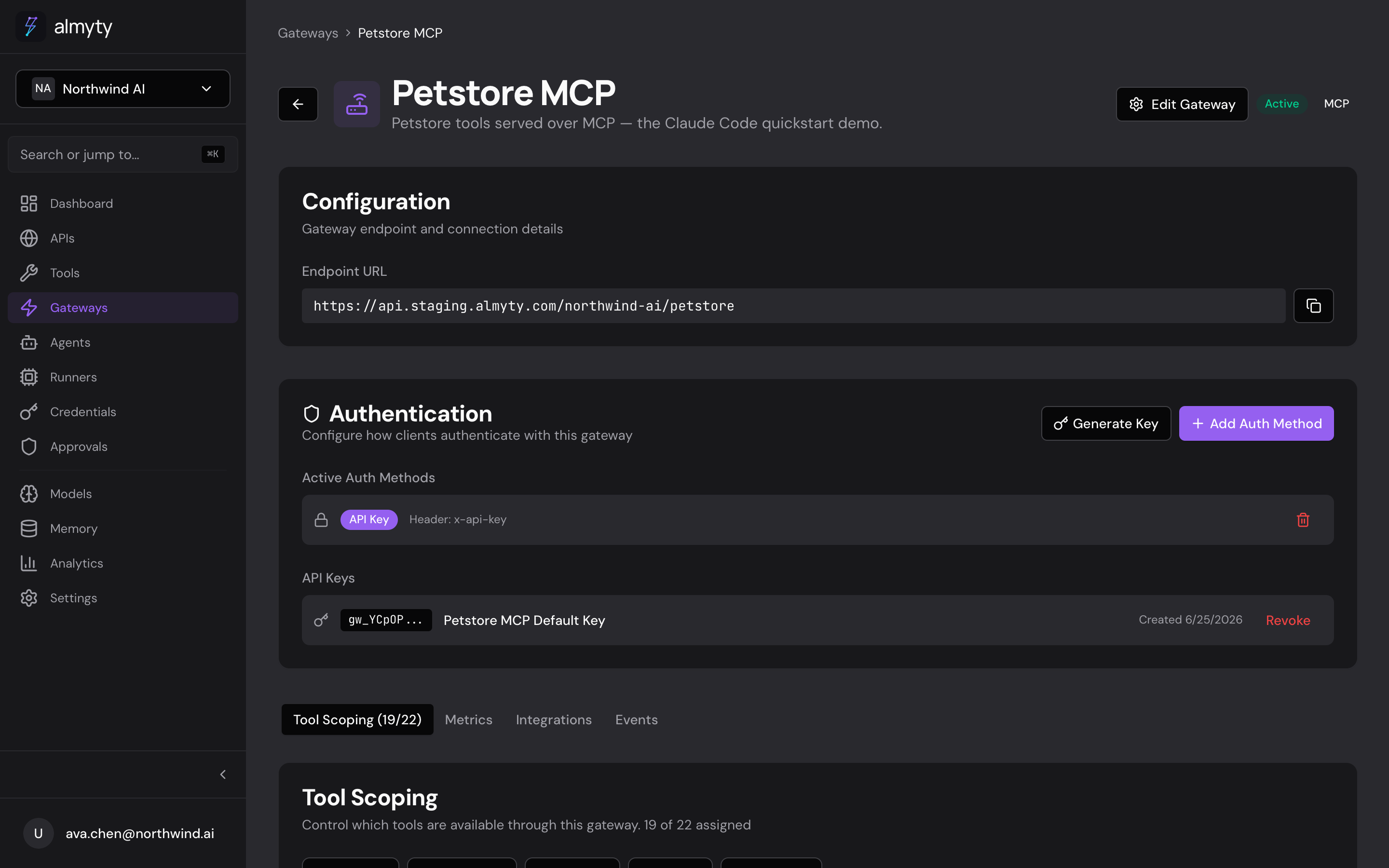
If your client only speaks stdio, run the gateway as a local proxy instead:
npx @almyty/mcp-server your-org/petstoreThat’s the whole loop: API → tools → gateway → your AI calling it.
Build an agent (optional)
Instead of handing tools to someone else’s AI, build your own agent on top of them. Compose LLM calls, tool calls, conditions, and loops on a visual canvas, or run an autonomous agent that figures out the steps itself, with cross-vendor verification, memory, and human approvals built in.
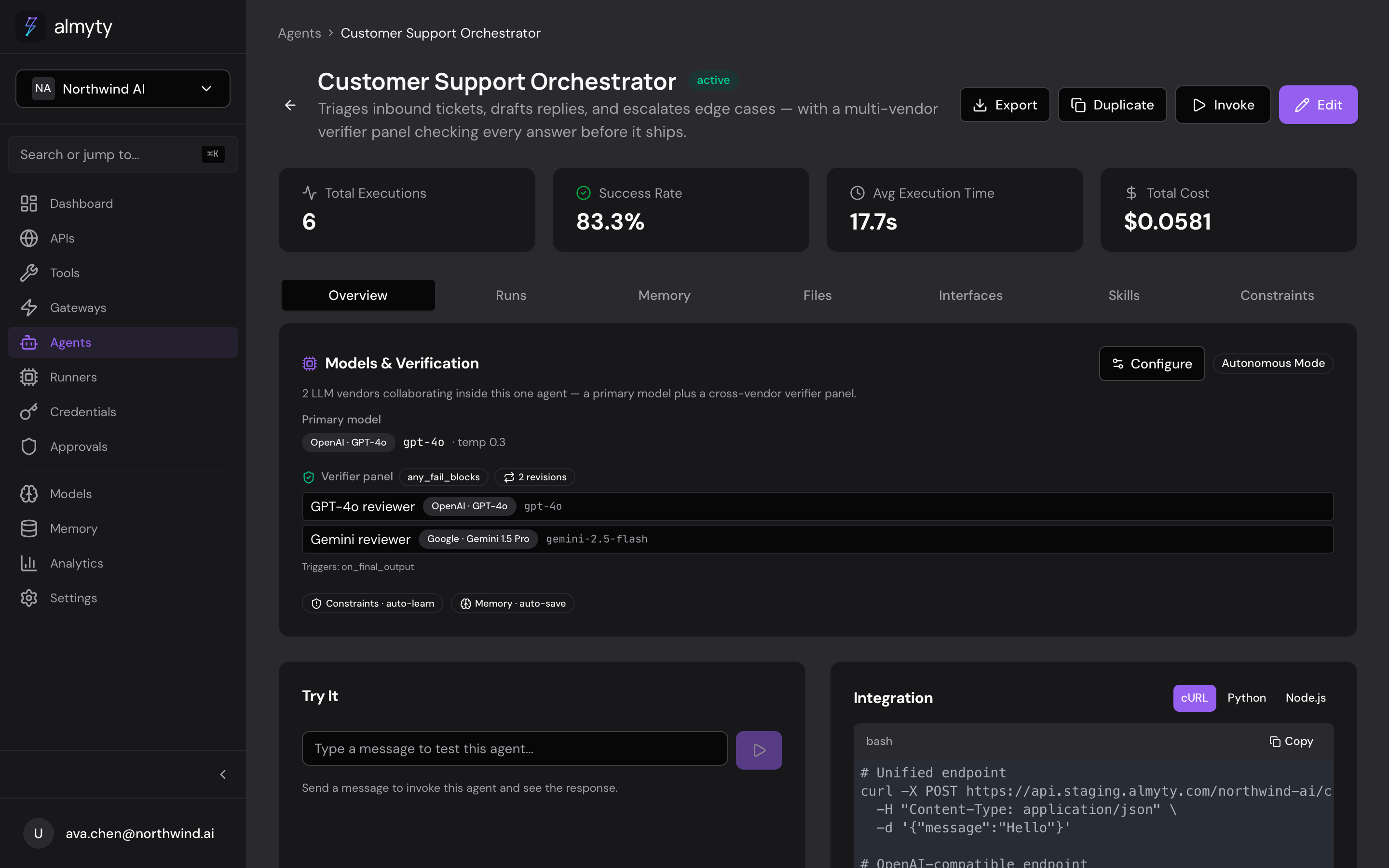
Agents serve over the same protocols and an OpenAI-compatible endpoint, so anything that talks to OpenAI talks to your agent.
Where to next
- Connect an LLM provider: bring your own keys, mix vendors
- Drive almyty from the CLI: agents, chat, skills, runners, one login
- Build agents: the visual builder and autonomous mode
- Gateways in depth: auth, scoping, every protocol
- Examples: end-to-end builds you can copy
Prefer to run almyty from your AI tools directly? almyty is itself an MCP server: see Control almyty via MCP.