Skills Gateway
Drop your tools into any AI coding agent as installable skills. A Skills gateway renders each tool as a SKILL.md file following the Agent Skills specification. The almyty Skills CLI installs and auto-injects those files into 30+ agents, including Cursor, Windsurf, Claude Desktop, and GitHub Copilot.
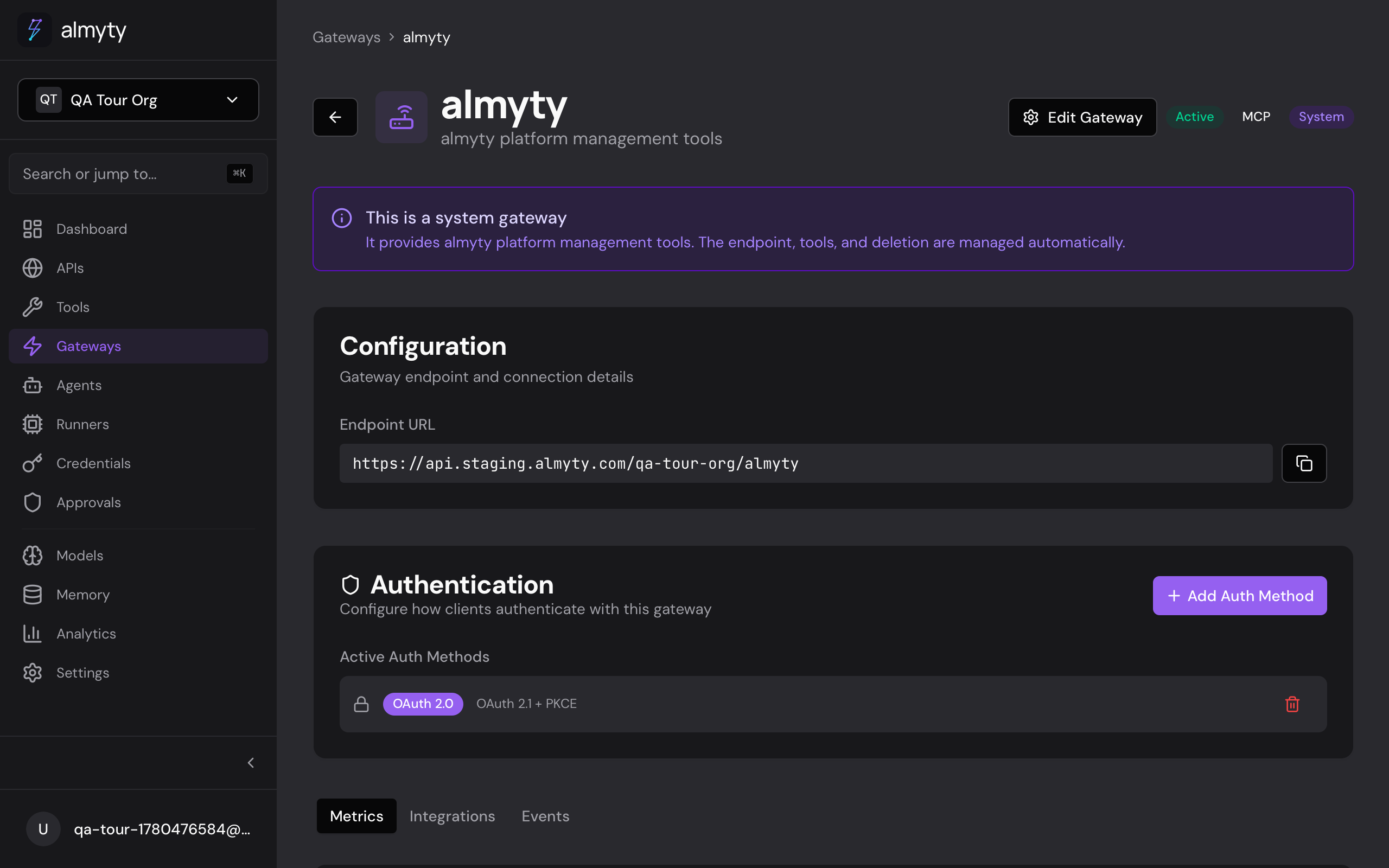
Create the gateway
- Open Gateways in the sidebar and click Create Gateway
- Select Skills as the protocol
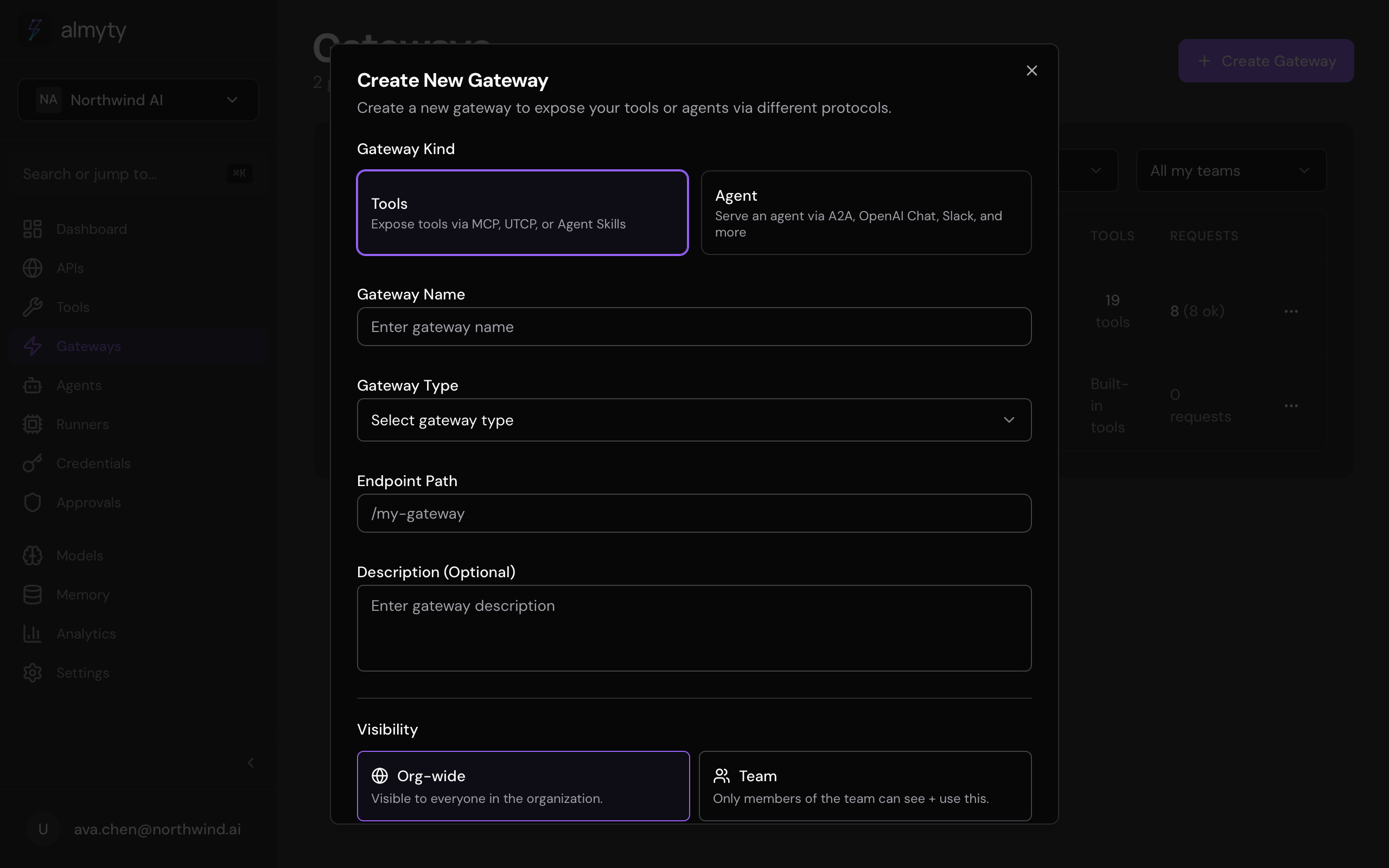
- Enter a name, slug, and optional description
- Click Create
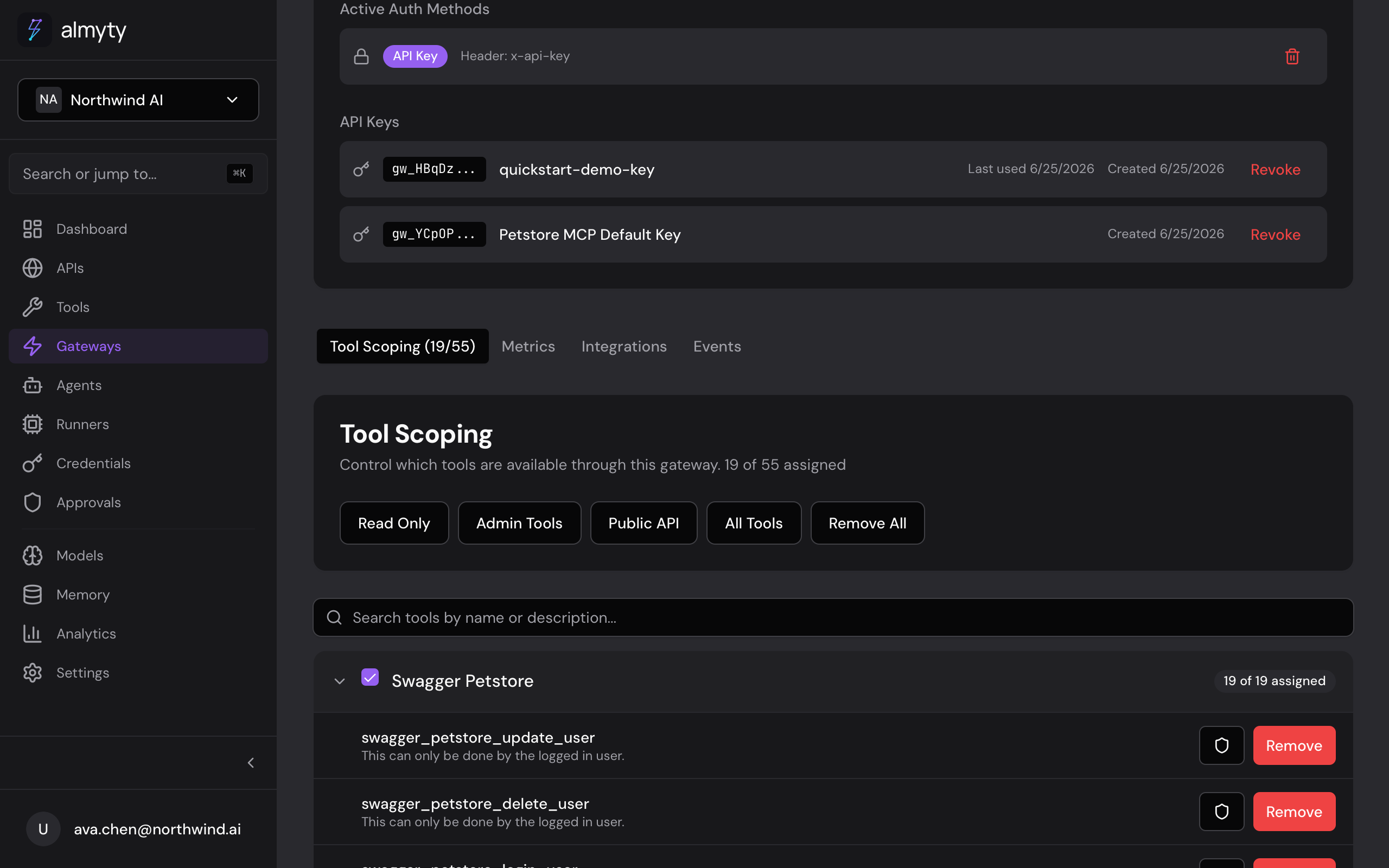
Assign tools from the Tools tab on the gateway detail page. Each assigned tool becomes one SKILL.md file. Copy the gateway slug: you will use it with the Skills CLI.
Install with the Skills CLI
Install the gateway’s skills into your local agents:
npx @almyty/skills install @acme/my-skillsAuthenticate first if needed:
npx @almyty/skills login
npx @almyty/skills login --token your-api-key
Watch mode
Poll the gateway every 30 seconds and refresh SKILL.md files when tools change:
npx @almyty/skills watch @acme/my-skillsStop with Ctrl+C or:
npx @almyty/skills stopList and remove
npx @almyty/skills list
npx @almyty/skills remove @acme/my-skills
The CLI writes SKILL.md files to each agent’s skill directory and registers them for auto-loading.
SKILL.md format
Each tool produces a markdown file like this:
---
name: get_users
description: Retrieve a list of users with pagination
endpoint: https://api.almyty.com/utcp/acme/my-skills/tools/get_users/invoke
method: POST
auth: bearer
---

# get_users

Retrieve a list of users with pagination.

## Parameters

| Name  | Type    | Required | Description              |
|-------|---------|----------|--------------------------|
| page  | integer | no       | Page number              |
| limit | integer | no       | Items per page (default: 20) |
Supported agents
| Category | Agents |
|---|---|
| IDE | Cursor, Windsurf, VS Code (Copilot), JetBrains |
| AI Assistants | Claude Desktop, ChatGPT, Gemini |
| Dev Tools | GitHub Copilot CLI, Aider, Continue, Cody |
| Frameworks | LangChain, LlamaIndex, AutoGPT, CrewAI |
| Others | 20+ additional agents |