Organizations
Keep every team’s work isolated and control who can touch what. Organizations are the top-level tenant boundary in almyty: every resource (APIs, tools, gateways, agents, credentials, and LLM providers) belongs to exactly one organization. Users can belong to multiple organizations and switch between them, and roles decide what each member can do.
Creating an organization
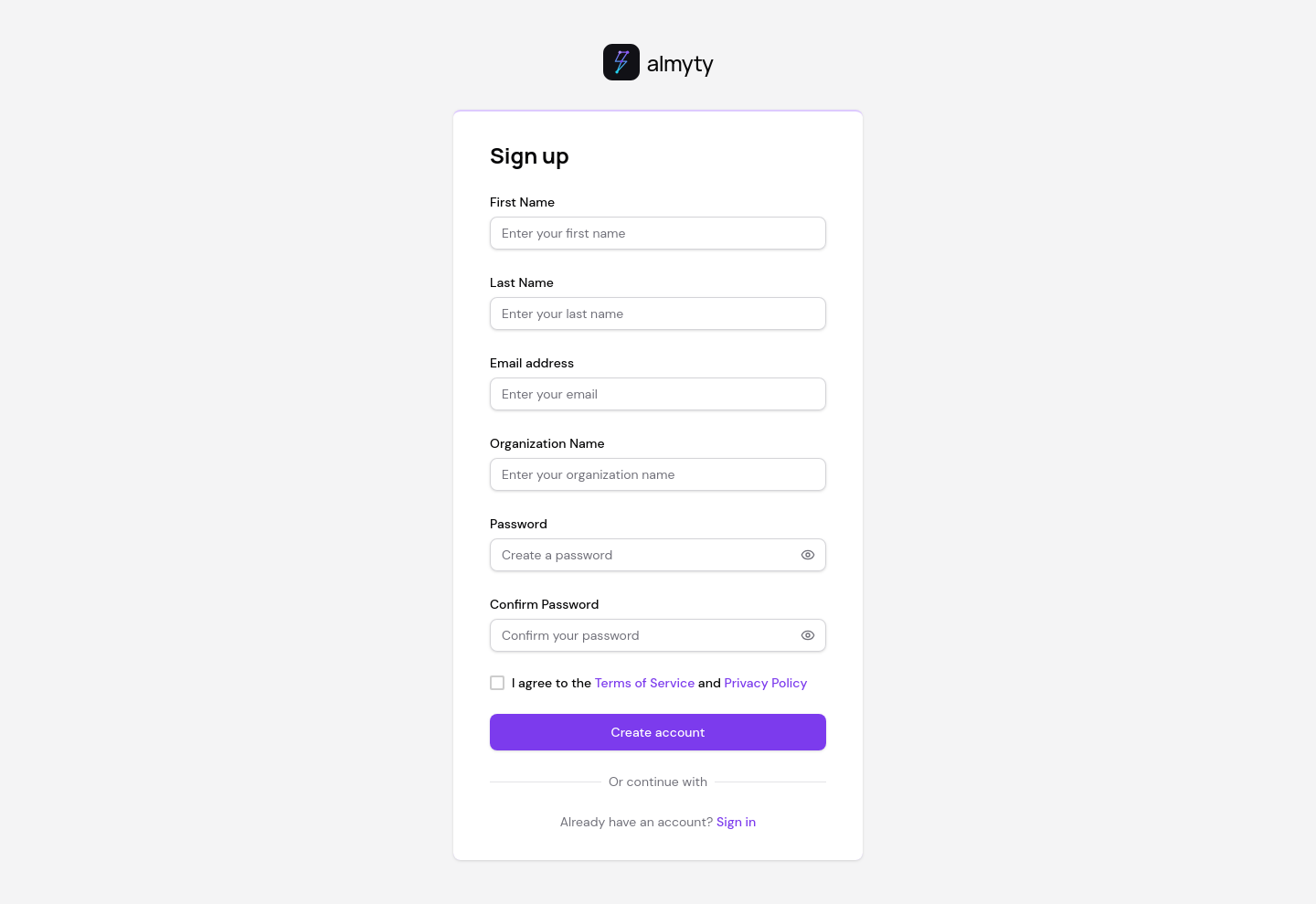
When you sign up, your first organization is created automatically from the name you provide during registration.
To create additional organizations:
- Open Settings in the sidebar.
- In the Organization tab, scroll to the bottom and click Create Organization.
- Enter a name and optional description.
- You are set as the owner of the new organization.
Switching organizations
Click the organization name in the sidebar footer (below the nav links). A dropdown shows all organizations you belong to. Click one to switch; all pages immediately scope to that organization’s data.
Managing members
Open Settings and the Members & Teams tab.
Inviting members
- Click Invite Member.
- Enter their email address.
- Select a role (owner, admin, member, or viewer).
- Click Send Invite.
The invitee receives an email with a link to accept. If they do not have an account, the link takes them to the sign-up page with the invite pre-attached.
Changing roles
Click the role badge next to any member to change it. Only owners and admins can modify roles.
Removing members
Click the menu icon on a member row and select Remove. Removing a member revokes their access to all resources in the organization immediately.
Roles
| Role | Description |
|---|---|
| owner | Full access. Can delete the organization and transfer ownership. One per org. |
| admin | Manage members, all resources, and settings. Cannot delete the org. |
| member | Create and manage own resources. Invoke agents and execute tools. |
| viewer | Read-only access to all resources. Cannot create, edit, or delete anything. |
Permission matrix
| Action | Owner | Admin | Member | Viewer |
|---|---|---|---|---|
| View all resources | Yes | Yes | Yes | Yes |
| Create resources | Yes | Yes | Yes | No |
| Edit own resources | Yes | Yes | Yes | No |
| Edit any resource | Yes | Yes | No | No |
| Manage members | Yes | Yes | No | No |
| Manage teams | Yes | Yes | No | No |
| Change settings | Yes | Yes | No | No |
| Delete organization | Yes | No | No | No |
Teams
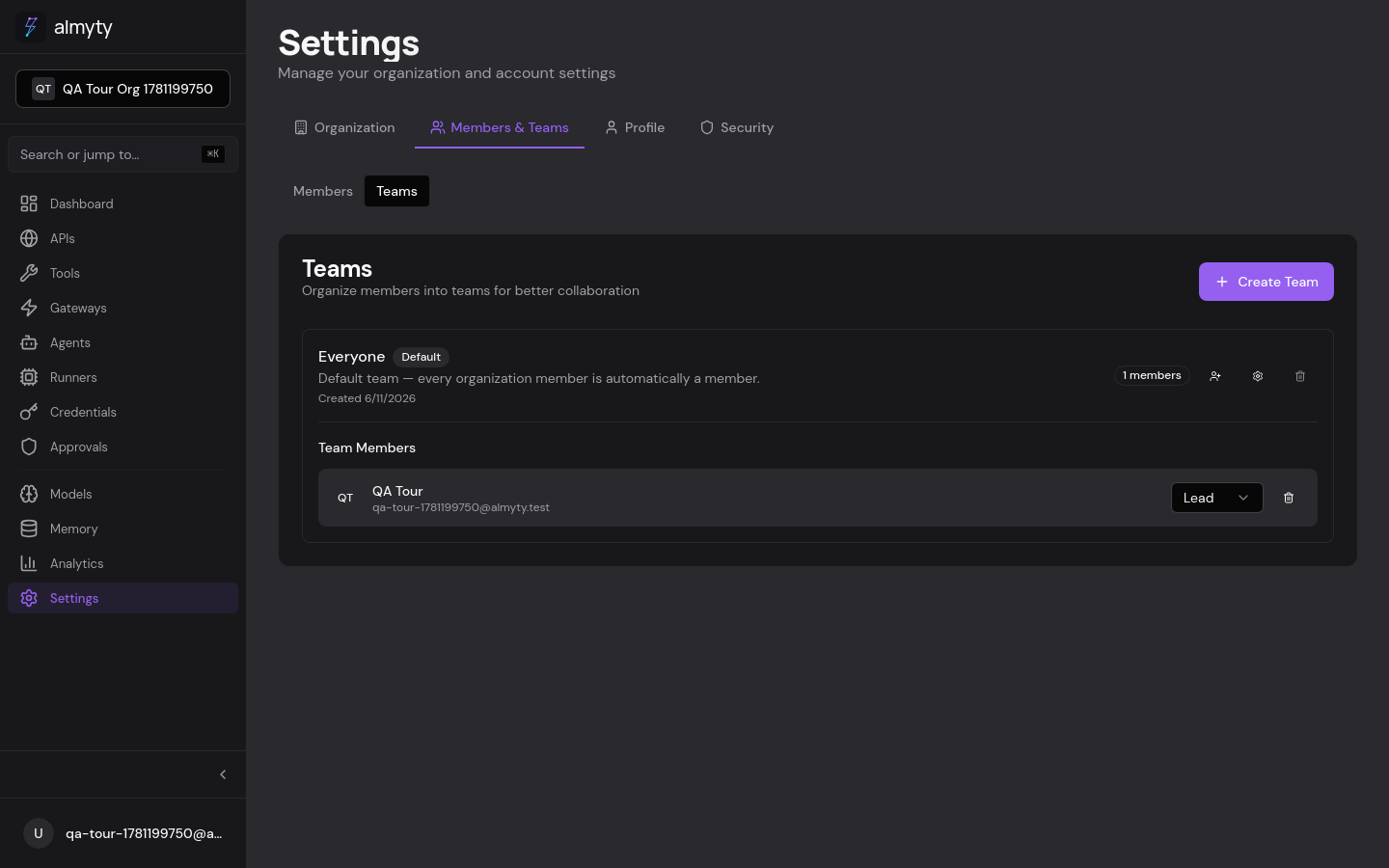
Teams are sub-groups within an organization for finer-grained access control. Every organization gets a default “Everyone” team on creation; every member is automatically a member of it. Org owners are added as team_admin (lead); other roles are added as team_member.
Resources (tools, agents, gateways, runners, credentials, APIs, LLM providers) can be created with one of two visibility settings:
- Org-wide (
visibility='org'): visible to every member of the organization. - Team (
visibility='team', with ateamId): visible only to members of that team.
When picking a team for a new resource, you can only park it in a team you are team_admin (lead) of. Org owners and admins can park resources in any team.
Creating a team
- In Settings, Members & Teams, open the Teams sub-tab.
- Click Create Team.
- Enter a name and (optional) description.
- Add members from the organization.
The default “Everyone” team cannot be deleted (its delete button is disabled), but it can be renamed.
Team roles
| Role | Description |
|---|---|
team_admin (lead) | Manages team membership, can rename the team, and is authorized to manage team-scoped resources (including approving HITL gates for that team). |
team_member (member) | Standard team member. Can read/use team-scoped resources but not manage them. |
Authorization model
The full picture, for a member acting on a resource:
| Caller role | Resource visibility | Read/Use | Manage |
|---|---|---|---|
| Org owner / admin | any | ✓ | ✓ |
| Org member (no team) | org | ✓ | requires explicit org-level perm |
Org member, team_admin of resource’s team | team | ✓ | ✓ |
Org member, team_member of resource’s team | team | ✓ | ✗ |
| Org member, not in resource’s team | team | ✗ | ✗ |
Resources without teamId are treated as org-wide. The default “Everyone” team is not the same as org-wide: putting a resource in “Everyone” means every org member can see it (same effect today), but if you ever shrink the team’s membership it becomes a real boundary.
API
Organization, member, and team management is available over REST (only the owner can delete an organization, which permanently removes all resources). See the API reference.