Scheduling
Run an agent automatically on a recurring interval, with no external cron to wire up. Use it for periodic data collection, reporting, monitoring, or any recurring AI workflow.
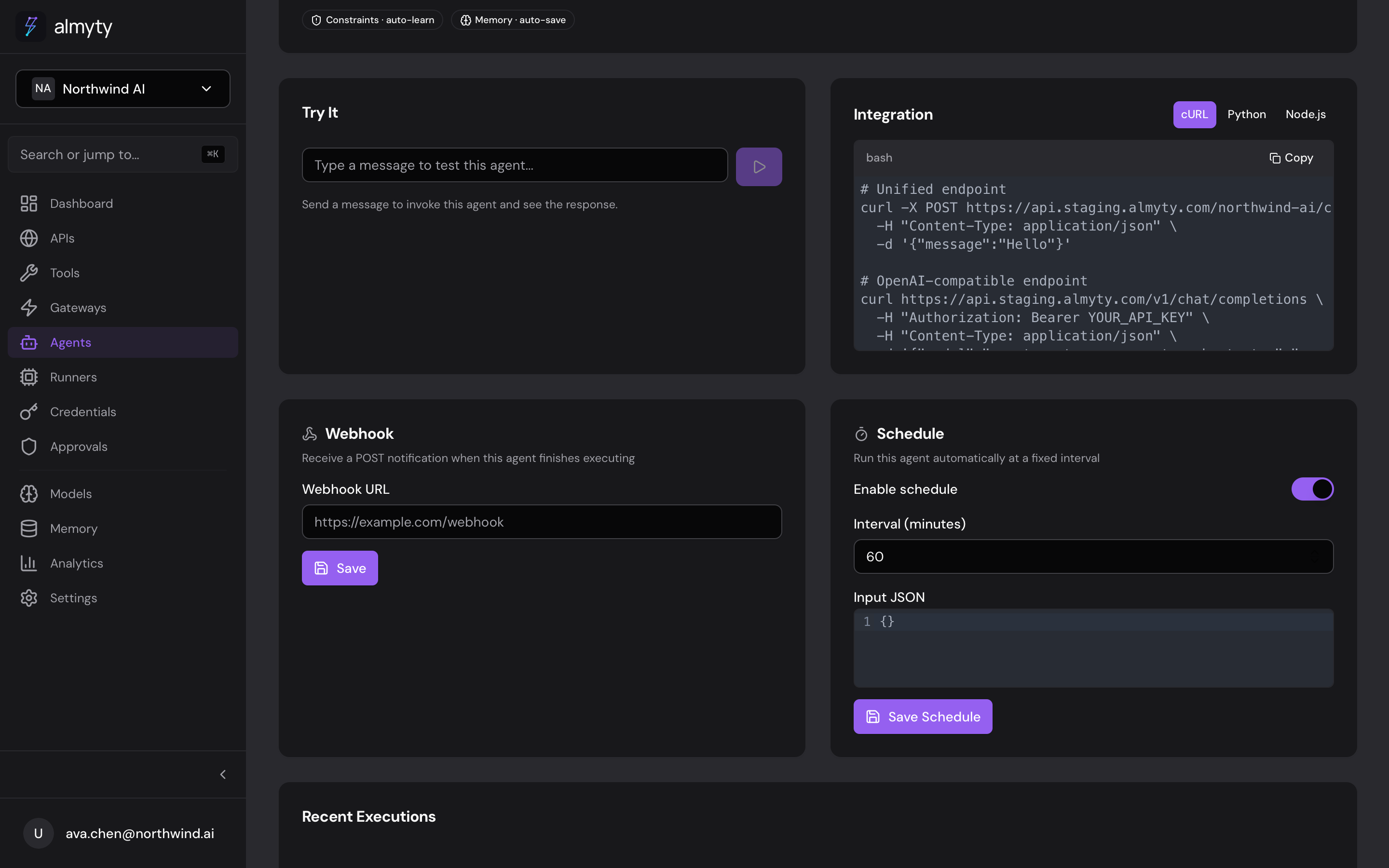
Create a schedule
- Open the agent’s detail page
- Click the Schedule tab
- Set the Interval (minimum 5 minutes)
- Optionally provide Static Input, a fixed JSON payload sent on each run
- Click Enable Schedule
The next scheduled run time appears below the interval setting.
Remove a schedule
On the Schedule tab, click Disable Schedule. Disabling does not delete existing execution history.
Configuration Reference
| Parameter | Type | Required | Description |
|---|---|---|---|
intervalMinutes | number | Yes | How often to run (minimum: 5 minutes) |
input | object | No | Static input to pass on each invocation |
Common Intervals
| Use Case | Interval |
|---|---|
| Real-time monitoring | 5 minutes |
| Frequent checks | 15 minutes |
| Hourly reports | 60 minutes |
| Daily digest | 1440 minutes (24h) |
| Weekly summary | 10080 minutes (7d) |
Execution history
Scheduled runs appear in the agent’s execution history alongside manual
invocations, each tagged with trigger: "schedule" in its metadata. Review them
on the detail page, or from your terminal:
$ npx @almyty/agents runs daily-reporterFilter to just the scheduled failures with --json and jq:
$ npx @almyty/agents runs daily-reporter --json \
    | jq '[.[] | select(.status == "failed")]'
Cost
Before enabling a frequent schedule, check the estimated cost per run on the
agent’s detail page. To project a month, multiply the per-run cost by the run
count: (60 * 24 * 30) / intervalMinutes. A 60-minute schedule runs 720 times a
month; a 5-minute schedule runs 8,640 times.
Notes
- The agent must be in
activestatus for scheduled runs to execute - If an execution fails, the schedule continues: check execution history for errors
- Deactivating an agent pauses its schedule; reactivating resumes it
- Deleting the schedule does not affect existing execution history
To manage schedules programmatically, see the API reference.