Run everything inside your own network
For teams whose data must never leave the building: patient records, case files, trading positions. You run almyty on your own servers and point it at an AI model that also runs on your own hardware, so assistants do their work without a single call leaving your network.
This is the same open-source product as the hosted service, set up on your side. It is a job for your IT or platform team.
What you need
- A server or cluster you run (one machine is enough to start).
- An AI model served inside your network, for example with Ollama, or any server that speaks the OpenAI format.
- Someone comfortable with Docker or Kubernetes for the install.
How to build it
-
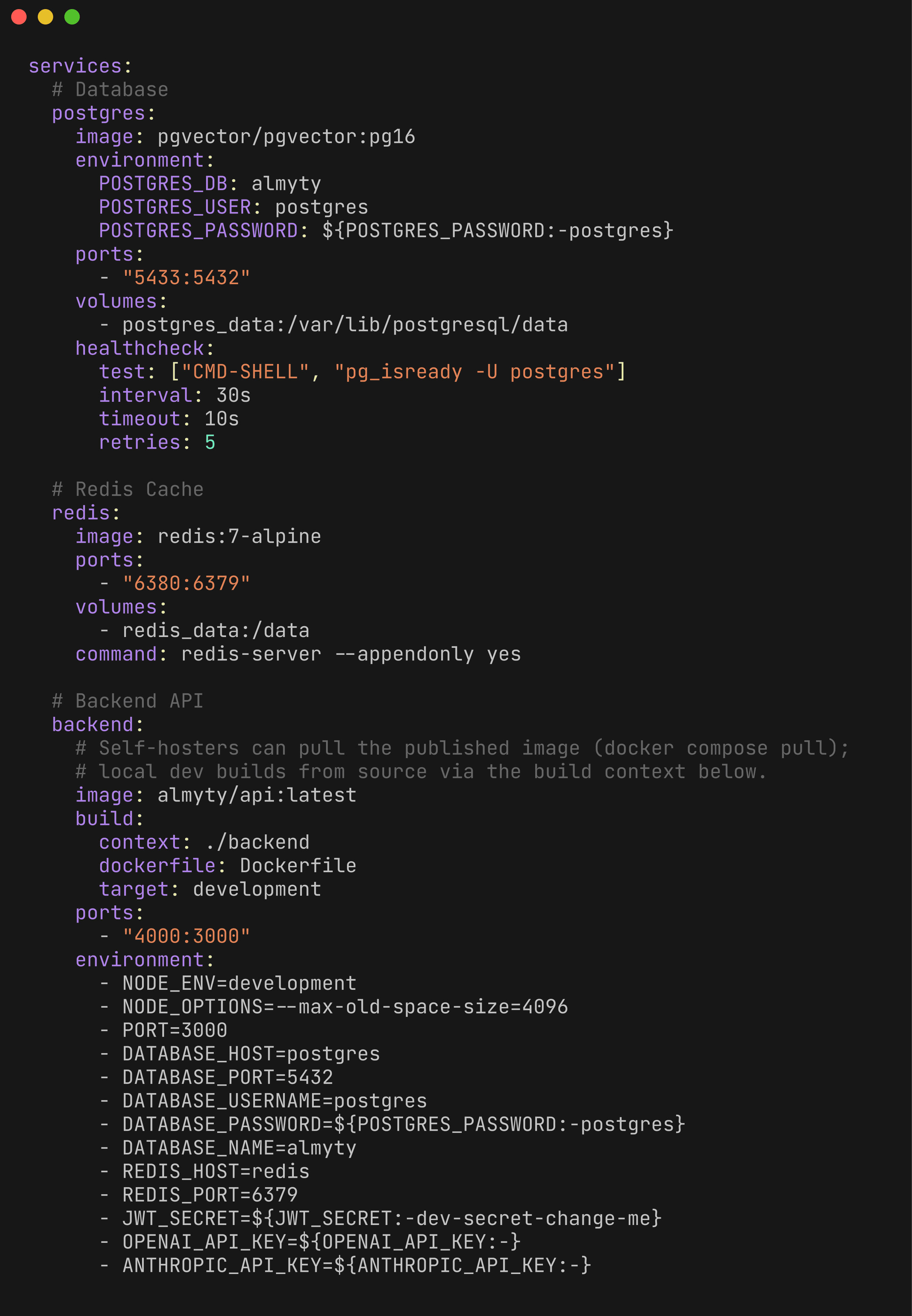
Install almyty on your servers. Your IT team follows Self-hosting: one machine with Docker Compose, or a Kubernetes cluster. The database and files stay on your machines.
-
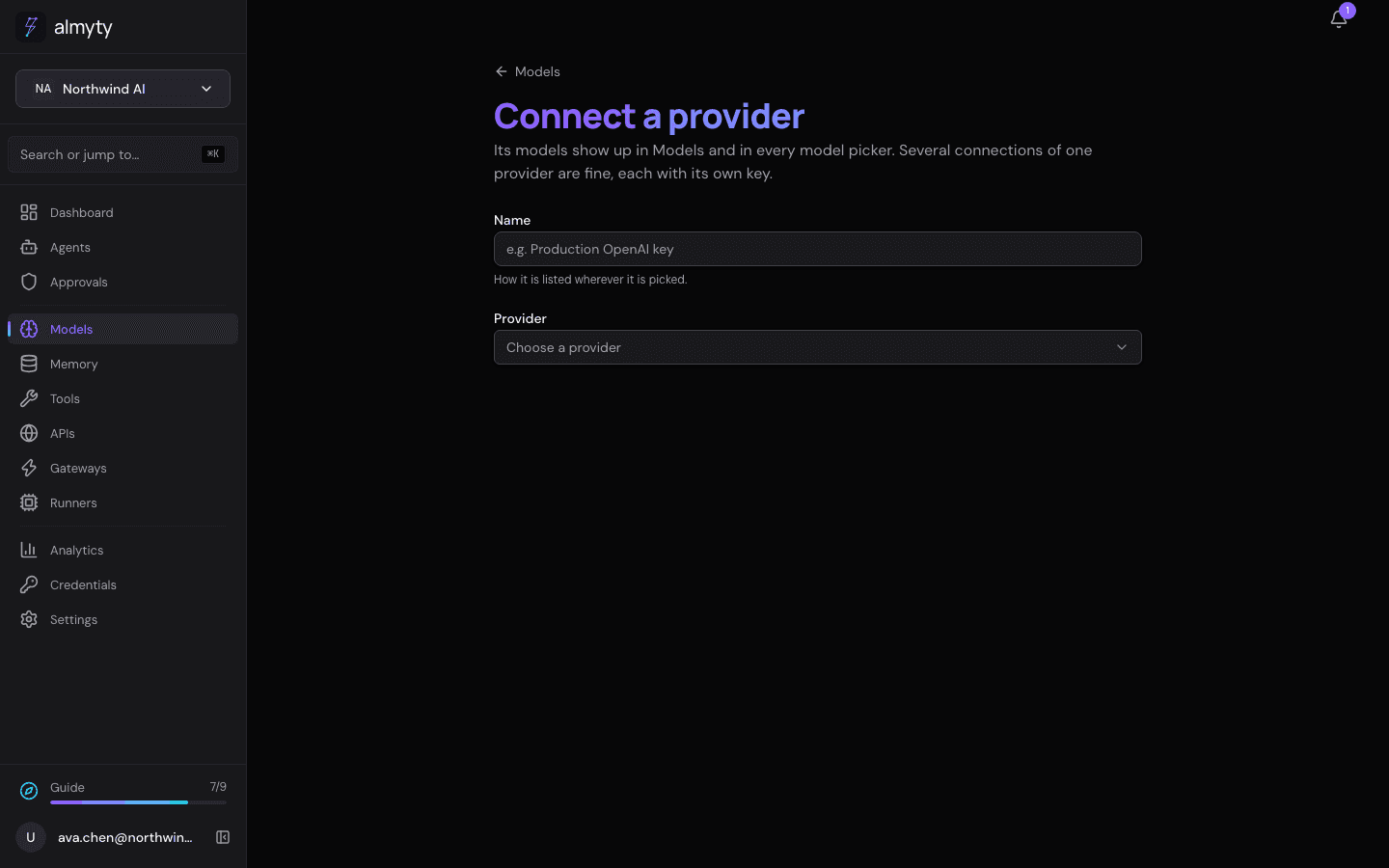
Connect your own model. In almyty, open Models and click Connect a provider. For Ollama, pick it and choose Your own server; for any other model server that speaks the OpenAI format, pick Your own server and give its address. The AI runs on your hardware.
-
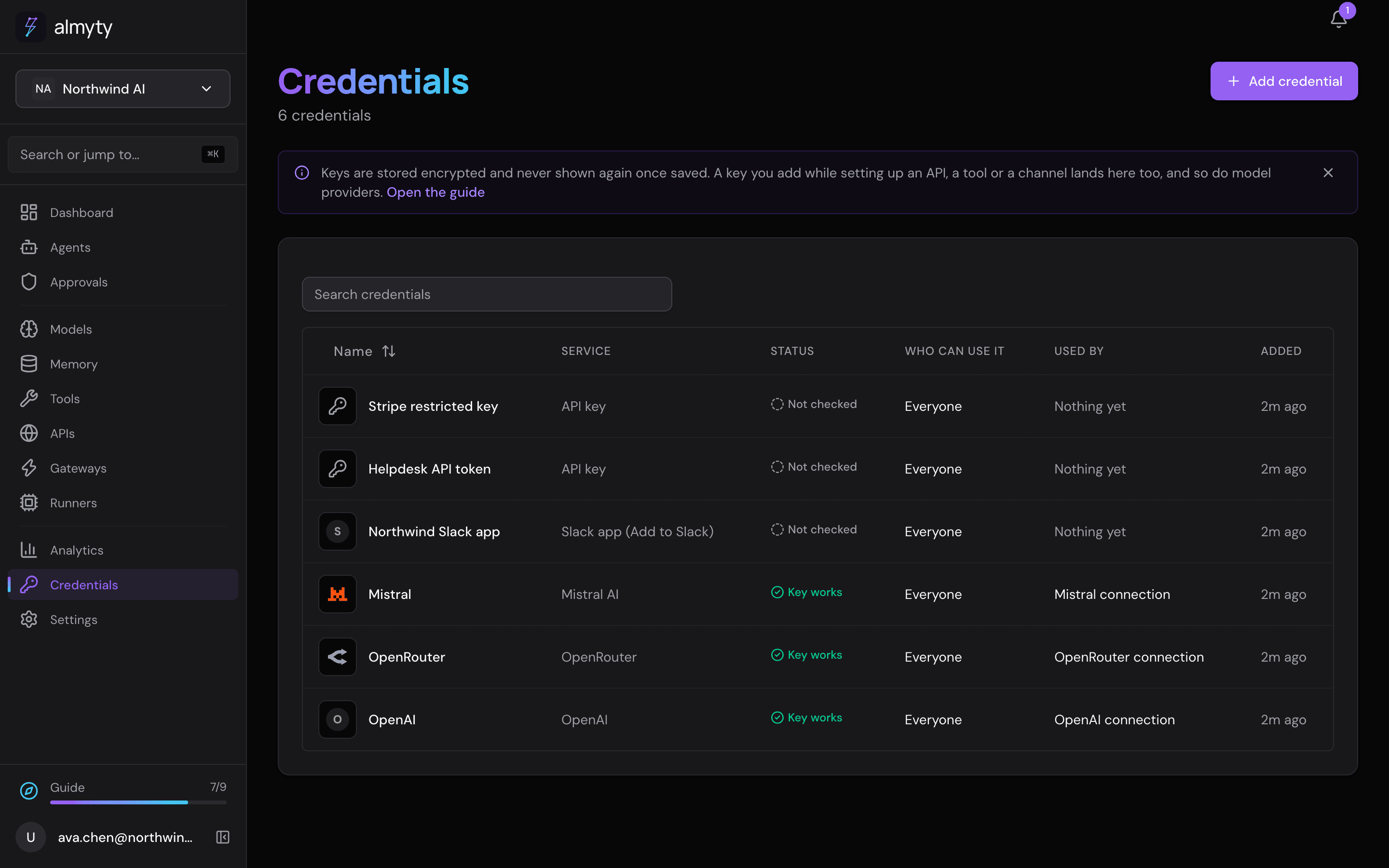
Keep keys and data in place. Passwords and keys for your systems go in Credentials, stored encrypted in your own database. Memory stays in your database too. Work that has to happen on a particular machine goes through a runner you install there.
Everything else works the same inside your walls: checks, approvals and the record of every action.
For developers
- By default almyty refuses model and tool addresses on a private network. To allow a model server inside your network, set
LLM_ALLOW_PRIVATE_URLS=true(andOLLAMA_ALLOW_PRIVATE_URLS=truefor Ollama) on the API. - almyty fetches model prices from a public price feed. With no internet access, set
MODEL_PRICE_FEED_DISABLED=true; prices then show as unknown unless you set them on each model card. - Read the
ENCRYPTION_KEYand outbound email sections of Self-hosting before storing real data.