SDK Tools
An SDK tool set is generated from an npm package. Point almyty at a package like
stripe, @aws-sdk/client-s3, or lodash, and it discovers the public API,
infers parameter schemas, and creates one callable tool per function. You review
and pick the functions you want, with no manual wiring.
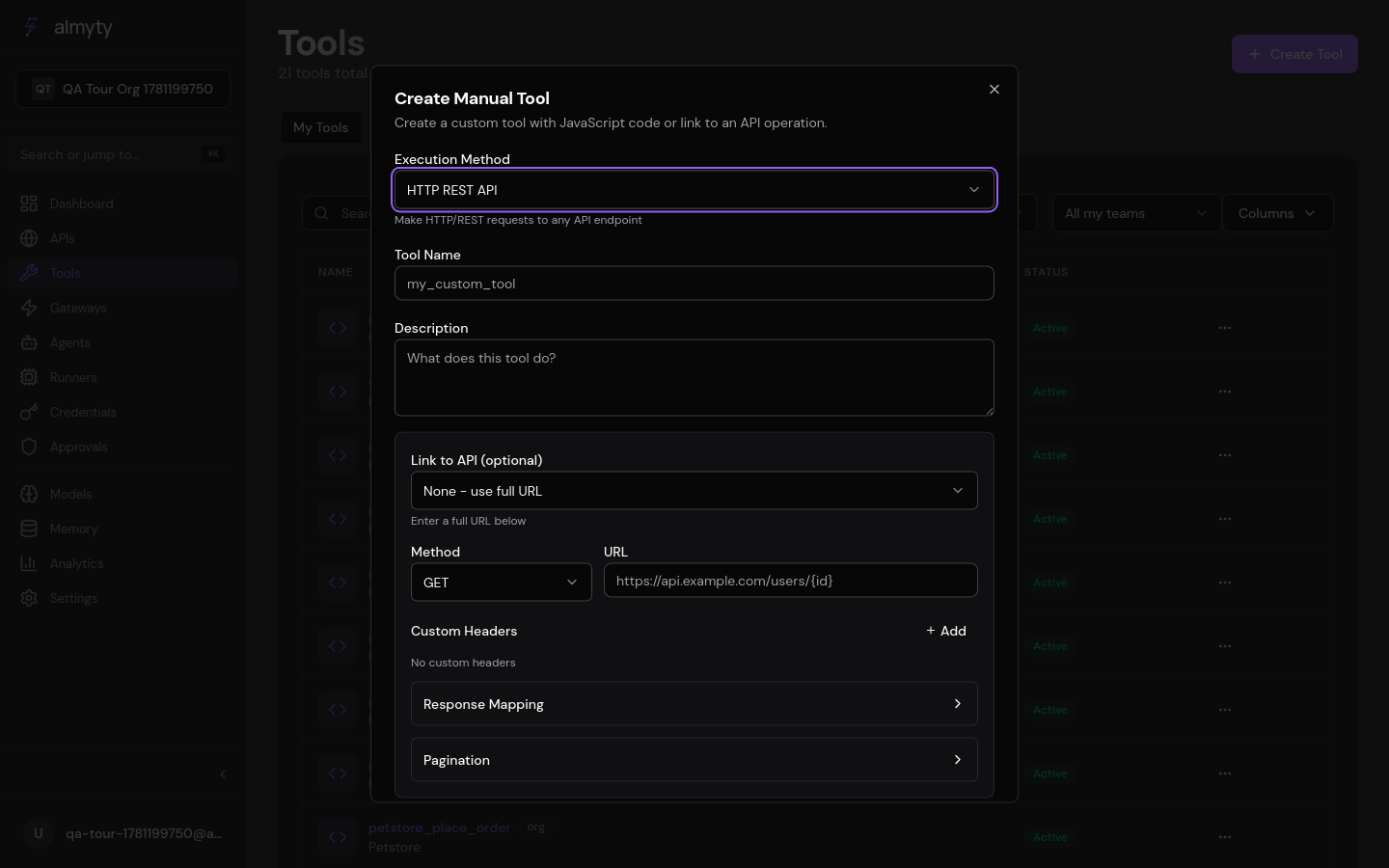
Create them in the UI
- Open Tools, click Create Tool, select SDK.
- Enter the npm package name and version (e.g.
stripeat^17.0.0). - Click Discover. almyty installs the package in a sandbox, introspects its exports, and lists the functions with their signatures.
- Select which functions to generate tools from (or select all).
- Review the auto-generated name, description, and parameter schema per tool, editing any that need refinement.
- Click Create to generate the tools.
How discovery works
When you click Discover, almyty:
- Installs the package (and its dependencies) in an isolated environment.
- Loads the module and enumerates its named exports and default export.
- For each exported function or class method, infers a parameter schema from TypeScript types (if the package ships
.d.tsfiles) or from JSDoc annotations. - Presents the discovered functions in a table with name, description (from JSDoc or TS docs), and the inferred input schema.
You filter the list, deselect functions you don’t need, and edit parameter descriptions before creating the tools.
What gets created
Each selected function becomes a JavaScript tool under the hood. The generated
code require()s the package, calls the selected function with the input
parameters, and returns the result. These tools run in the same hardened sandbox
as all JavaScript tools, with the same filesystem
isolation, SSRF guard, and resource limits.
Discovery payload and response
Discovery takes a package name and version:
{
  "package": "stripe",
  "version": "^17.0.0"
}
It returns the introspected exports, methods, and inferred schemas:
{
  "package": "stripe",
  "version": "17.4.0",
  "exports": [
    {
      "name": "Stripe",
      "type": "class",
      "methods": [
        {
          "name": "customers.create",
          "description": "Creates a new customer object",
          "parameters": {
            "type": "object",
            "properties": {
              "email": { "type": "string", "description": "Customer email" },
              "name": { "type": "string", "description": "Customer name" },
              "metadata": { "type": "object", "description": "Arbitrary metadata" }
            }
          }
        }
      ]
    }
  ]
}
Generation payload and response
Generation takes the package, the chosen functions, and a linked credential:
{
  "package": "stripe",
  "version": "^17.0.0",
  "functions": ["customers.create", "customers.retrieve", "charges.create"],
  "credentialId": "credential-uuid"
}
It returns the tools it created, one per function:
{
  "created": [
    { "id": "tool-uuid-1", "name": "stripe_customers_create", "type": "javascript" },
    { "id": "tool-uuid-2", "name": "stripe_customers_retrieve", "type": "javascript" },
    { "id": "tool-uuid-3", "name": "stripe_charges_create", "type": "javascript" }
  ]
}
Credentials
Many SDK packages need API keys or secrets. Link a credential from the vault when
generating tools. The credential values reach your tools through the
credentials closure argument at execution time, never hardcoded into the
generated code.
Supported packages
Any npm package that installs in a Node.js environment works. Common examples:
| Package | Use case |
|---|---|
stripe | Payment processing |
@aws-sdk/client-s3 | S3 file operations |
@sendgrid/mail | Transactional email |
pg | PostgreSQL queries |
openai | OpenAI API calls |
lodash | Data transformation utilities |
cheerio | HTML parsing and scraping |
csv-parse | CSV file processing |
Limitations
- Packages that require native
.nodeaddons are not supported (the sandbox blocks native addon loading). - Discovery relies on TypeScript declarations or JSDoc. Packages with no type information produce tools with generic
objectparameter schemas that you refine manually. - Class-based packages (like
stripe) require constructor arguments (API keys, config). These are wired through credentials, not parameters.