Enterprise
Most of almyty is free and open source: agents, tools, gateways, memory, runners, approvals, spending limits and the basic audit log. A few features for larger organizations come with the paid Business and Enterprise plans: signing in with your company account, custom roles, multi-step approvals, organization-wide safety filters, exporting the audit log, and on Enterprise, your own encryption keys, cost reports per team and removing the almyty mark.
This page shows which plan includes what. To see your own plan, open Settings → Billing → Plan and usage.
What each plan includes
There are four plans: Free, Pro ($20 per seat), Business ($60 per seat) and Enterprise (talk to sales, because automatic user provisioning, service levels, security reviews and volume are agreed per customer).
| Feature | Free | Pro | Business | Enterprise |
|---|---|---|---|---|
| Single sign-on and automatic user provisioning, and visitor sign-in with your company account on an agent’s channels | – | – | ✓ | ✓ |
| Custom roles and access policies | – | – | ✓ | ✓ |
| Multi-step, conditional and quorum approvals | – | – | ✓ | ✓ |
| Organization-wide safety filters and a compliance report | – | – | ✓ | ✓ |
| Audit log export and streaming to your security tools | – | – | ✓ | ✓ |
| Rules for credentials: allowed services, scopes, expiry, rotation, usage limits | – | – | ✓ | ✓ |
| Your own encryption keys | – | – | – | ✓ |
| Cost per team with a forecast | – | – | – | ✓ |
| Removing the almyty mark from an agent’s channels (web chat, website bubble and downloadable apps), and switching off a channel’s AI disclosure | – | – | – | ✓ |
Two things to know before you pick a plan:
- Pro adds no features. It is a hosted plan: no limits on how many things you create, managed credits and email support. Everything else it lists (schedules, webhooks, analytics, the basic audit log) is already free. If you want governance features, the plan you want is Business.
- Business is the governance plan, credentials rules included. Only your own encryption keys, cost per team and removing the almyty mark need Enterprise.
The free plan is not a trial. The basic roles (owner, admin, member and team leads), the basic audit log, single-reviewer approvals and spending limits stay free.
Customer-managed keys
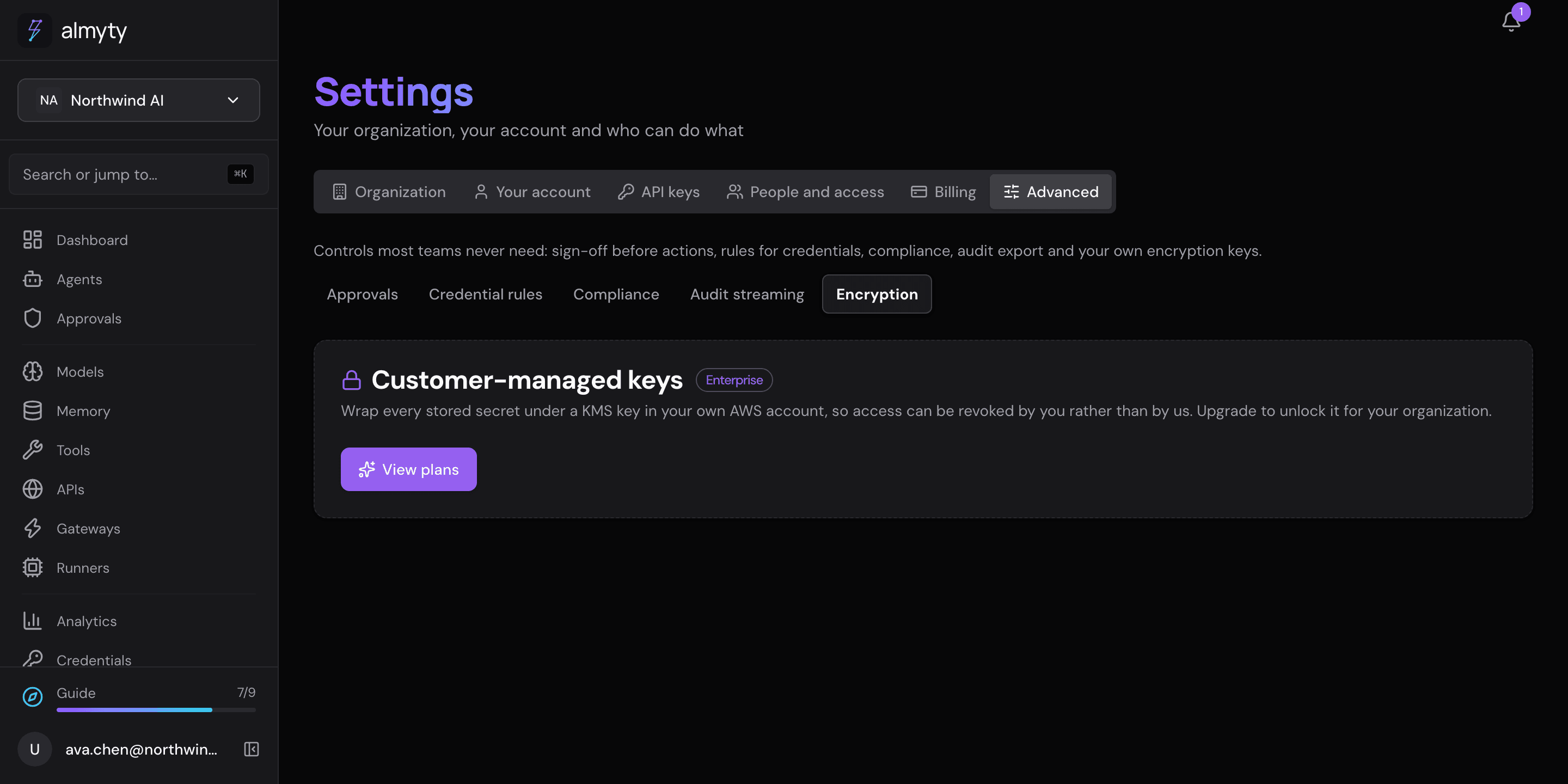
With the Enterprise plan, an organization’s stored secrets are encrypted with a key in its own AWS account (a KMS key) instead of almyty’s. If you take away almyty’s access to that key, those secrets can no longer be read. Manage it under Settings → Advanced → Encryption (owners and admins). Without the plan, that page is locked:
Changing to a new key (rotating) re-encrypts nothing and never breaks anything: values sealed with an older key stay readable, and values stored before you added a key keep working.
Chargeback
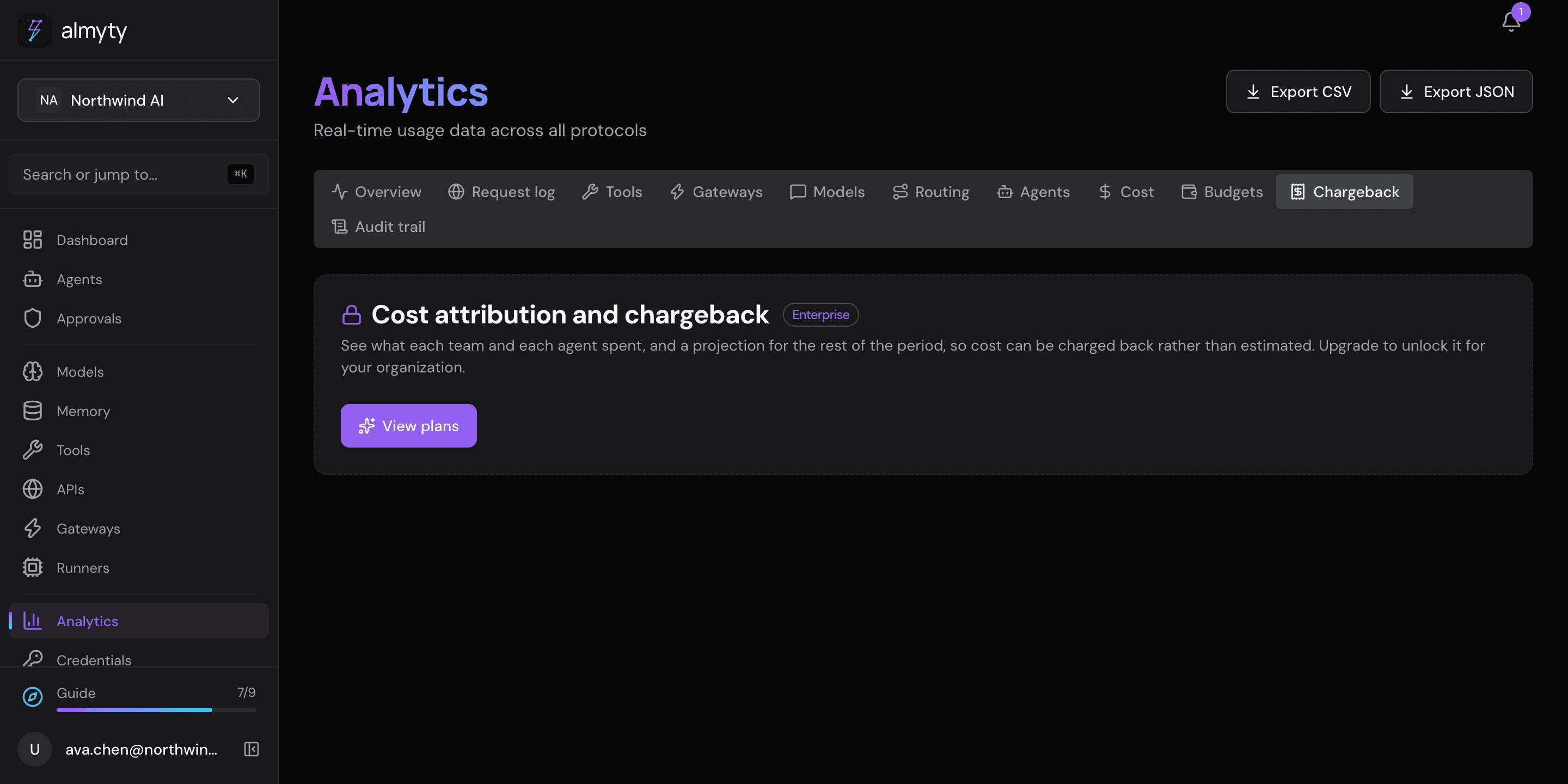
With the Enterprise plan, Analytics → Chargeback turns spending into an internal bill: total spend for a period, what each team and each agent spent, spend over time, and a forecast for the next period. Admins and owners only. It uses the same spending data as cost governance. Without the plan, the tab shows an upgrade prompt:
For developers
Open core. The paid features live under backend/ee/ in the same repository under a commercial license (see LICENSING.md ); everything else is Apache-2.0.
One image, gated at runtime. There is no separate enterprise build. The official almyty/api Docker image has the enterprise modules compiled in, and every enterprise route checks the license while running. Without a license almyty runs as the community edition and enterprise endpoints answer HTTP 402 Payment Required (“unlicensed”, as opposed to 403 “not allowed”):
{
  "statusCode": 402,
  "error": "Payment Required",
  "message": "This feature requires an enterprise license entitlement: sso",
  "requiredEntitlements": ["sso"]
}
License keys. Set the license token with the ALMYTY_LICENSE_KEY environment variable on the backend. Tokens are Ed25519-signed and checked offline against a public key built in: no phone-home and no license server, so it works without internet access. An invalid or expired token falls back to the community edition (logged, never a crash). Your edition, entitlements and limits are shown under Settings and available from the licensing endpoint in the API reference.
Entitlements. Each paid feature is a named entitlement: sso, advanced_rbac, approval_policy, compliance_pack, audit_export and credentials_governance (Business and Enterprise), and byo_kms, chargeback and white_label (Enterprise only).
Plans and tokens. The plan chooses the entitlement set; the token is what a running almyty checks. When a hosted subscription becomes active, almyty mints an Ed25519 token with that plan’s entitlements and seat count; when it lapses the token is revoked and the organization falls back to free. Every check reads the token, never the plan column, so a self-hoster with no plan gets exactly the entitlements in the token they were given.
Customer-managed keys (byo_kms). almyty generates a 256-bit data encryption key, wraps it with your AWS KMS customer-managed key (KMS Encrypt) and stores only the wrapped blob; the plaintext key is never written down. almyty never stores your AWS access keys: credentials come from the SDK’s default provider chain (environment, IRSA or instance profile). The API can read the status, attach a key, rotate, and turn the envelope path on or off; it never returns key material, only whether a key is provisioned, the key ARN and region, and key ids (fingerprints of blobs already stored). Each sealed value names the key that sealed it, so rotation mints a new data key and keeps the old wrapped one. The two ciphertext formats are told apart by prefix and can sit in the same column. Attaching a key when one is already attached is refused with 409, because replacing a key is a rotation.
Chargeback. The report endpoint (period, granularity and forecast parameters) is in the API reference. The forecast is a straight-line projection.