Versioning and Rollback
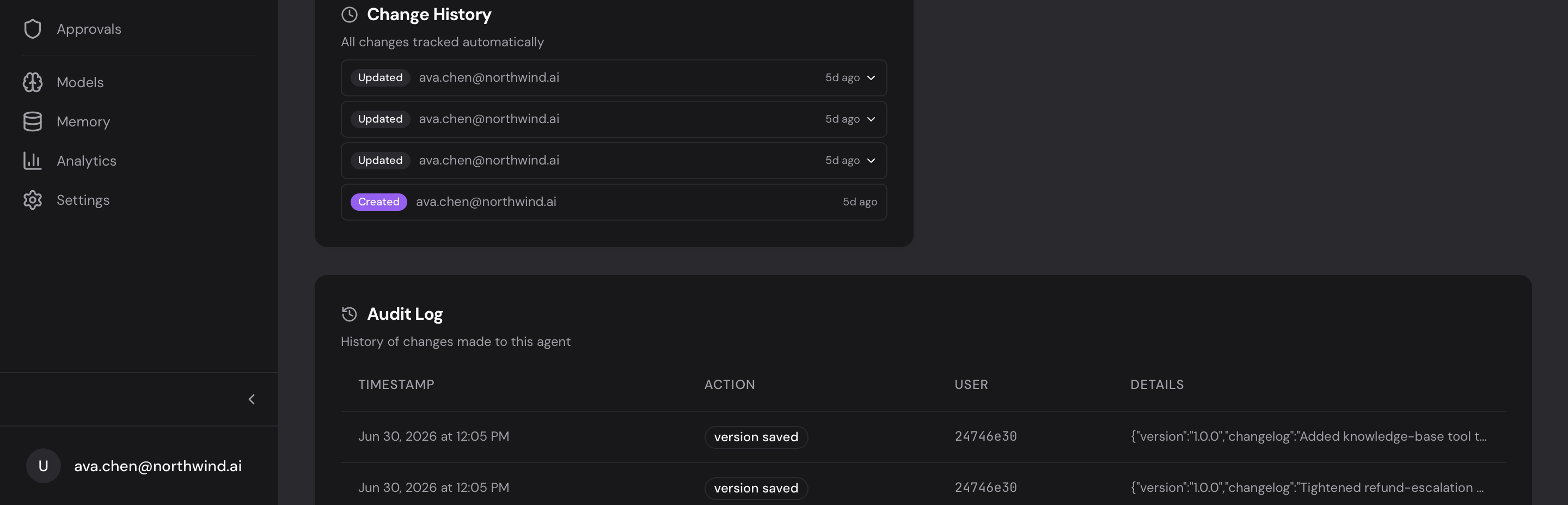
Every change to an agent (and to your tools, APIs, and gateways) is tracked automatically, so you can always see what changed and undo it. The Change History shows each version (who changed it and when, expandable to the exact field diff), and you can roll back to any of them. Below it, an Audit Log records the full activity trail. Nothing to turn on.
What’s tracked
Created, configuration updated, tools changed, activated/deactivated, a version saved, a rollback, an invocation: each with the timestamp, the user, and what changed.
| Event | Description |
|---|---|
created | Agent was created |
updated | Configuration, pipeline, or tools were modified |
activated / deactivated | Status changed |
version_saved | A version snapshot was created |
rolled_back | Pipeline was restored from a previous version |
invoked | Agent was executed |
Version snapshots and rollback
When you are about to make a big change, save a snapshot first. On the agent’s Versions tab, click Save Version and write a short changelog; almyty stores the full configuration with an auto-incremented version number.
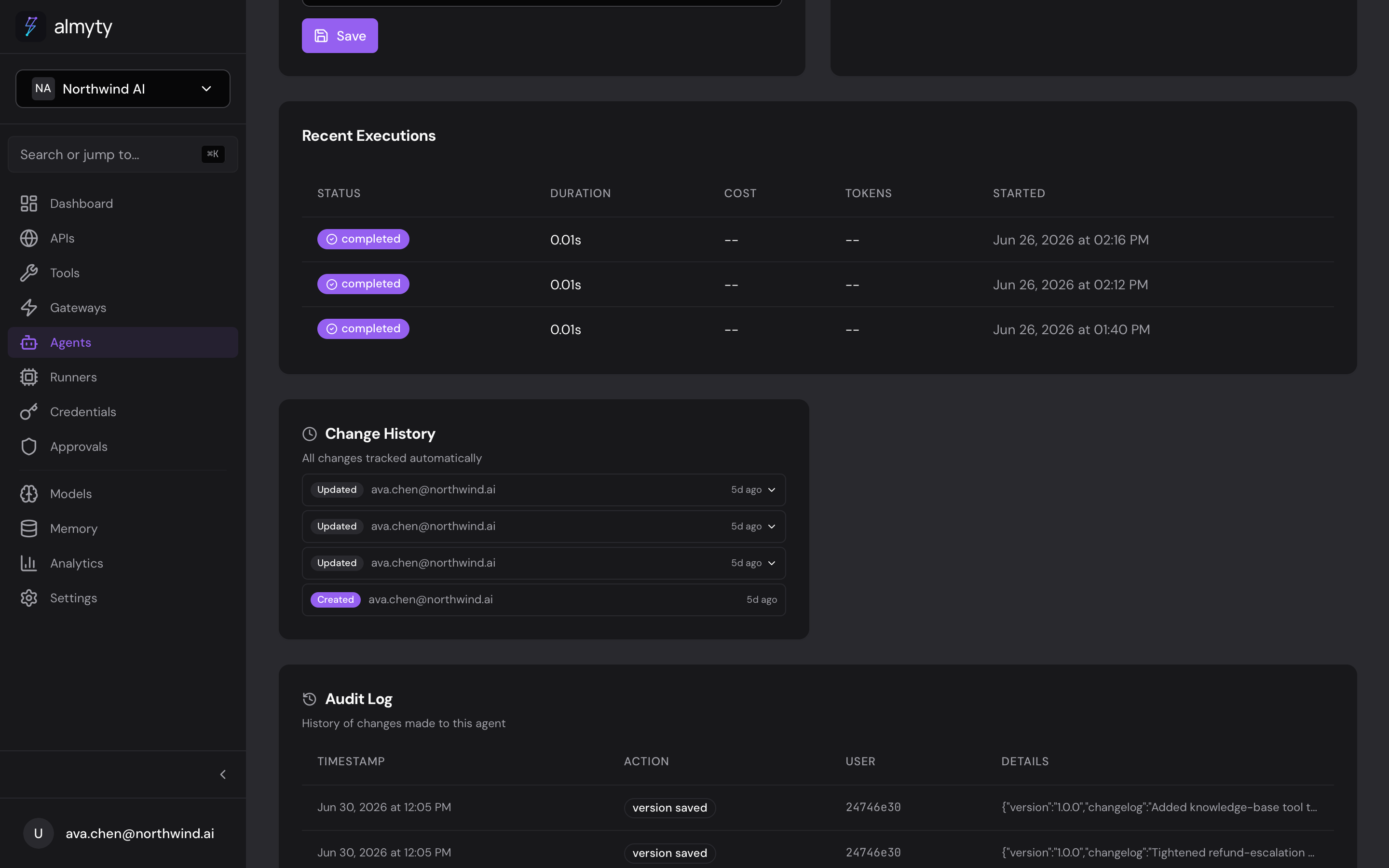
To restore one, find it in the list and click Rollback. The agent’s configuration is replaced with that snapshot, and the rollback itself is recorded in the audit log. Rolling back never deletes newer versions, so you can roll forward again at any time.
Good practice
- Save a version before restructuring an agent, so there is always a restore point.
- Write a real changelog: it is what makes the history useful later.
- Test the agent after a rollback to confirm the restored configuration behaves.