Template Expressions
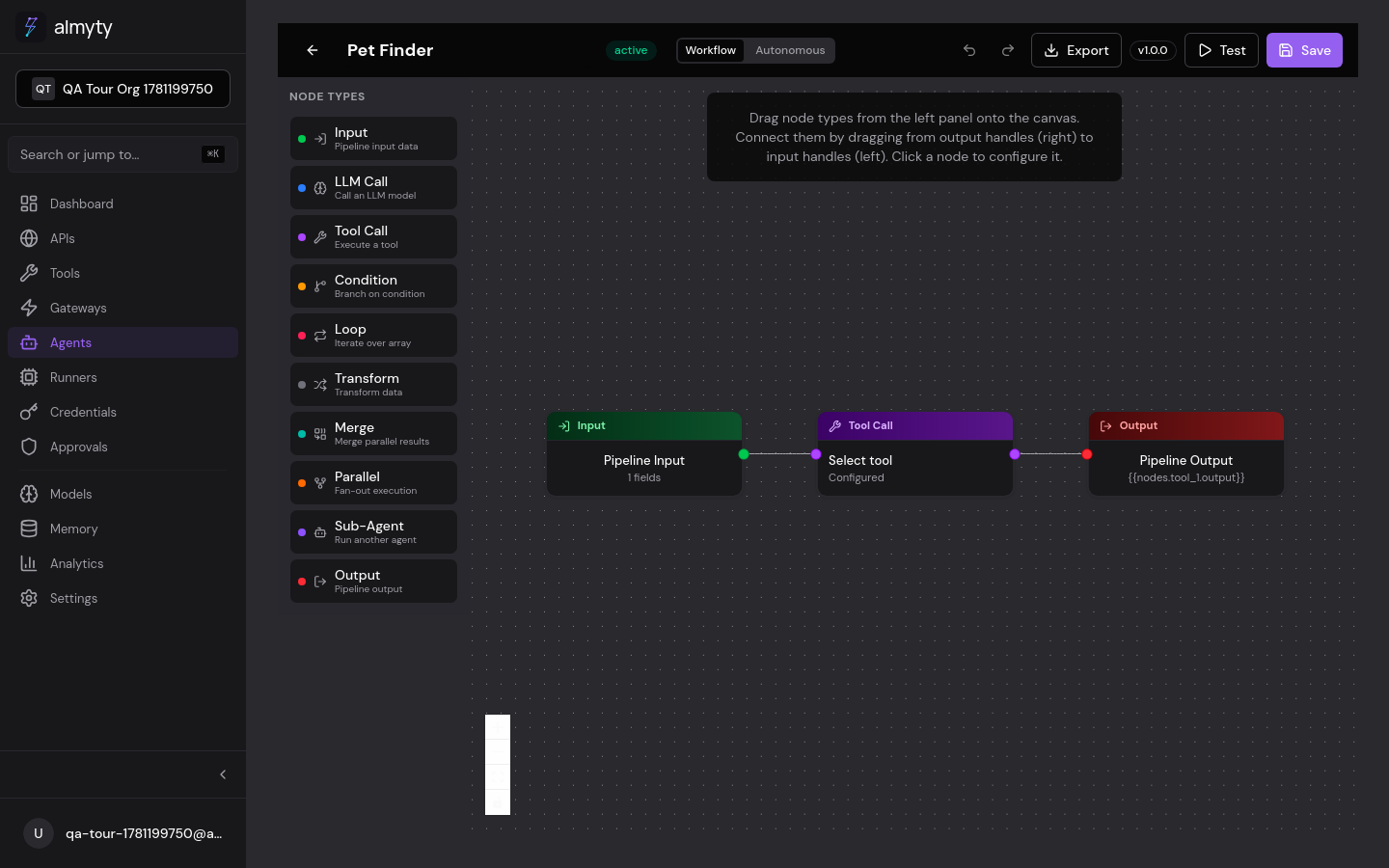
Wire data between pipeline nodes without writing glue code. A template
expression pulls a value from the invocation input or from another node’s output,
using {{...}} syntax, resolved at runtime just before each node executes. Type
{{ in any node config field and the builder autocompletes the available
sources.
Syntax
{{source.path.to.value}}The first segment identifies the data source. Subsequent segments navigate into the data structure using dot notation.
Data Sources
| Source | Syntax | Description |
|---|---|---|
| Input | {{input.property}} | The agent’s invocation payload |
| Node output | {{nodes.<id>.output}} | Output of any upstream node |
| Loop context | {{loop.item}}, {{loop.index}} | Current item and index inside a Loop node |
Input Data
{{input.message}}          // Top-level property
{{input.user.name}}        // Nested property
{{input.items[0].title}}   // Array access
Node Outputs
{{nodes.llm_1.output}}          // Full output of node llm_1
{{nodes.tool_1.output.data}}    // Nested property
{{nodes.transform_1.output}}    // Transform result
Loop Context
Inside a Loop node’s body:
{{loop.item}}         // Current item being iterated
{{loop.index}}        // Zero-based index
{{loop.item.name}}    // Property of the current item
In the UI
Template expressions are used in node configuration fields throughout the builder:
- Click a node on the canvas to open its config panel
- In any text field that supports expressions (prompts, mappings, parameters), type
{{ - Autocomplete suggests available upstream nodes and input properties
- Select or type the full expression path
- Use the Test panel to verify expressions resolve correctly with sample input
Examples
Simple String Interpolation
In an LLM Call node’s user prompt template:
You asked: {{input.message}}Resolves to: You asked: What is the weather?
Composing Multi-Node Data
Based on the search results ({{nodes.tool_1.output.count}} found),
here is a summary: {{nodes.llm_1.output}}
JSON Construction in Transform Nodes
const query = "{{input.query}}";
const results = {{nodes.tool_1.output}};
return {
  query,
  resultCount: results.length,
  summary: results.map(r => r.title).join(", ")
};
Type Handling
| Expression Target | Resolved Type |
|---|---|
| String property | string |
| Number property | number |
| Object | object (JSON) |
| Array | array (JSON) |
| Boolean property | boolean |
| Null/undefined | null |
When an expression is used inside a string (like a prompt template), non-string values are serialized to JSON automatically.
When an expression is the entire value of a field (like a Transform node’s input), the original type is preserved.
Error Handling
| Scenario | Behavior |
|---|---|
| Node does not exist | Pipeline validation catches this before execution |
| Node has not executed yet | Topological sorting prevents this for valid pipelines |
| Node returned an error | Downstream node receives null; the failure is recorded in the execution log |
To handle optional data, use JavaScript in Transform nodes:
const data = {{nodes.tool_1.output}};
const name = data?.name || "Unknown";
return { name };
Best Practices
- Keep expressions simple: use Transform nodes for complex data manipulation
- Validate your schema: define Input node schemas to catch bad data early
- Use meaningful node IDs:
search_apiis clearer thantool_1in expressions - Test incrementally: use the agent test panel to verify expressions resolve correctly