Gateways API
This page is for developers who want to manage gateways from their own code. A gateway is a published set of tools with its own address and keys, which AI assistants and coding tools connect to. For example, a setup script can create a gateway for a new team and hand them its key. In the app, gateways live under Gateways; see Gateways.
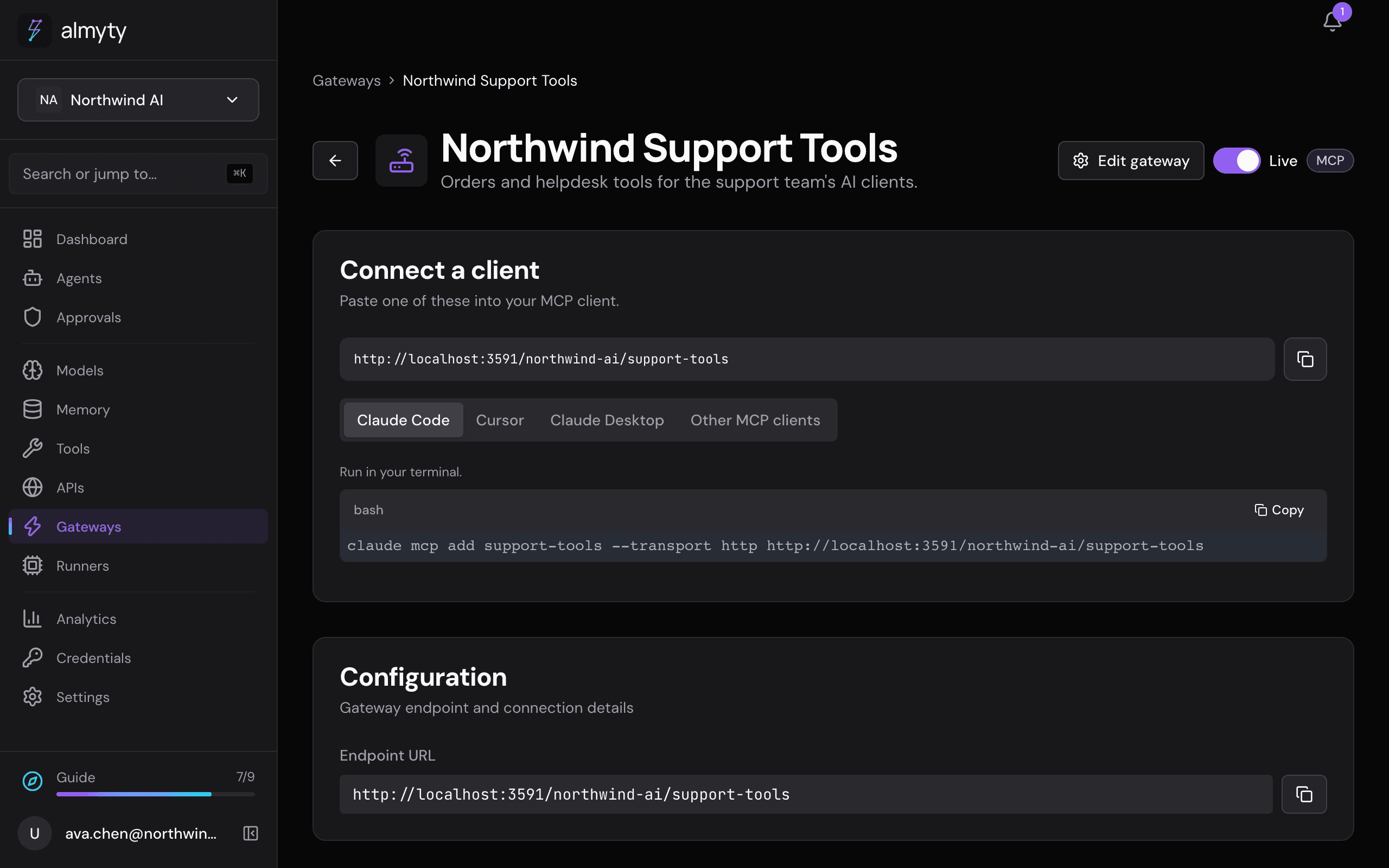
REST API reference for managing gateways, tool assignments, and authentication.
Endpoints
| Method | Endpoint | Description |
|---|---|---|
GET | /gateways | List gateways. ?kind=tool returns the MCP, UTCP and Skills gateways, which is what the Gateways page lists; ?kind=agent returns the ones an agent’s channels stood up |
POST | /gateways | Create a gateway |
GET | /gateways/:id | Get gateway by ID |
PATCH | /gateways/:id | Update a gateway |
DELETE | /gateways/:id | Delete a gateway |
POST | /gateways/:id/tools | Assign a tool |
POST | /gateways/:id/tools/bulk | Bulk assign tools |
DELETE | /gateways/:id/tools/:toolId | Remove a tool |
GET | /gateways/:id/tools/available | List available tools |
POST | /gateways/:id/auth | Add auth method |
GET | /gateways/:id/auth | List auth methods |
DELETE | /gateways/:id/auth/:authId | Remove auth method |
POST | /gateways/:id/auth/api-keys | Generate API key |
GET | /gateways/:id/auth/api-keys | List API keys |
DELETE | /gateways/:id/auth/api-keys/:keyId | Revoke API key |
Create a gateway
curl -X POST https://api.almyty.com/gateways \
  -H "Authorization: Bearer $TOKEN" \
  -H "Content-Type: application/json" \
  -d '{
    "name": "Production MCP",
    "type": "mcp",
    "endpoint": "/prod-tools",
    "description": "Production tool gateway",
    "configuration": { "transport": "http" }
  }'
Parameters
| Parameter | Type | Required | Description |
|---|---|---|---|
name | string | Yes | Gateway name |
type | string | Yes | mcp, utcp or skills: the one protocol the gateway serves. A web chat, website widget, messaging channel or A2A endpoint is a channel of an agent, and is refused here (CHANNEL_GATEWAY_NEEDS_AGENT) |
endpoint | string | Yes | URL path (unique within org) |
description | string | No | Description |
configuration | object | Yes | Type-specific config; {} takes the defaults. MCP: { "transport": "http" } (http, sse or websocket) |
Response
{
  "success": true,
  "data": {
    "id": "gw-uuid",
    "name": "Production MCP",
    "type": "mcp",
    "endpoint": "/prod-tools",
    "status": "active",
    "toolCount": 0,
    "createdAt": "2026-03-01T10:00:00Z"
  }
}
Bulk assign tools
curl -X POST https://api.almyty.com/gateways/{id}/tools/bulk \
  -H "Authorization: Bearer $TOKEN" \
  -H "Content-Type: application/json" \
  -d '{
    "toolIds": ["tool-1", "tool-2", "tool-3"]
  }'
Add authentication
curl -X POST https://api.almyty.com/gateways/{id}/auth \
  -H "Authorization: Bearer $TOKEN" \
  -H "Content-Type: application/json" \
  -d '{
    "type": "api_key",
    "isRequired": true,
    "configuration": {
      "keyHeader": "X-API-Key"
    }
  }'
Auth types: none, api_key, bearer_token, basic_auth, jwt, oauth2.
See Gateway Authentication for detailed docs on each type.
Generate API key
curl -X POST https://api.almyty.com/gateways/{id}/auth/api-keys \
  -H "Authorization: Bearer $TOKEN" \
  -H "Content-Type: application/json" \
  -d '{
    "name": "Production Key",
    "scopes": ["tools:read", "tools:execute"],
    "expiresAt": "2027-01-01T00:00:00Z"
  }'
Response (key shown once):
{
  "success": true,
  "data": {
    "id": "key-uuid",
    "name": "Production Key",
    "key": "almyty_gw_...",
    "scopes": ["tools:read", "tools:execute"],
    "expiresAt": "2027-01-01T00:00:00Z"
  }
}
Gateway endpoint URLs
After creation, the gateway is accessible at:
| Type | URL |
|---|---|
| MCP | https://api.almyty.com/{org-slug}{endpoint} |
| UTCP | https://api.almyty.com/{org-slug}{endpoint} |
| Skills | Via npx @almyty/skills install @{org-slug}{endpoint} |
An agent’s A2A channel answers at the same shape of URL, on the gateway its channel publishes.