GraphQL Tools
A GraphQL tool runs one query or mutation against an endpoint and hands the result back to the agent. You get structured variable mapping, automatic type coercion, and error detection tuned to the GraphQL response shape, so the model calls a clean named action instead of assembling requests.
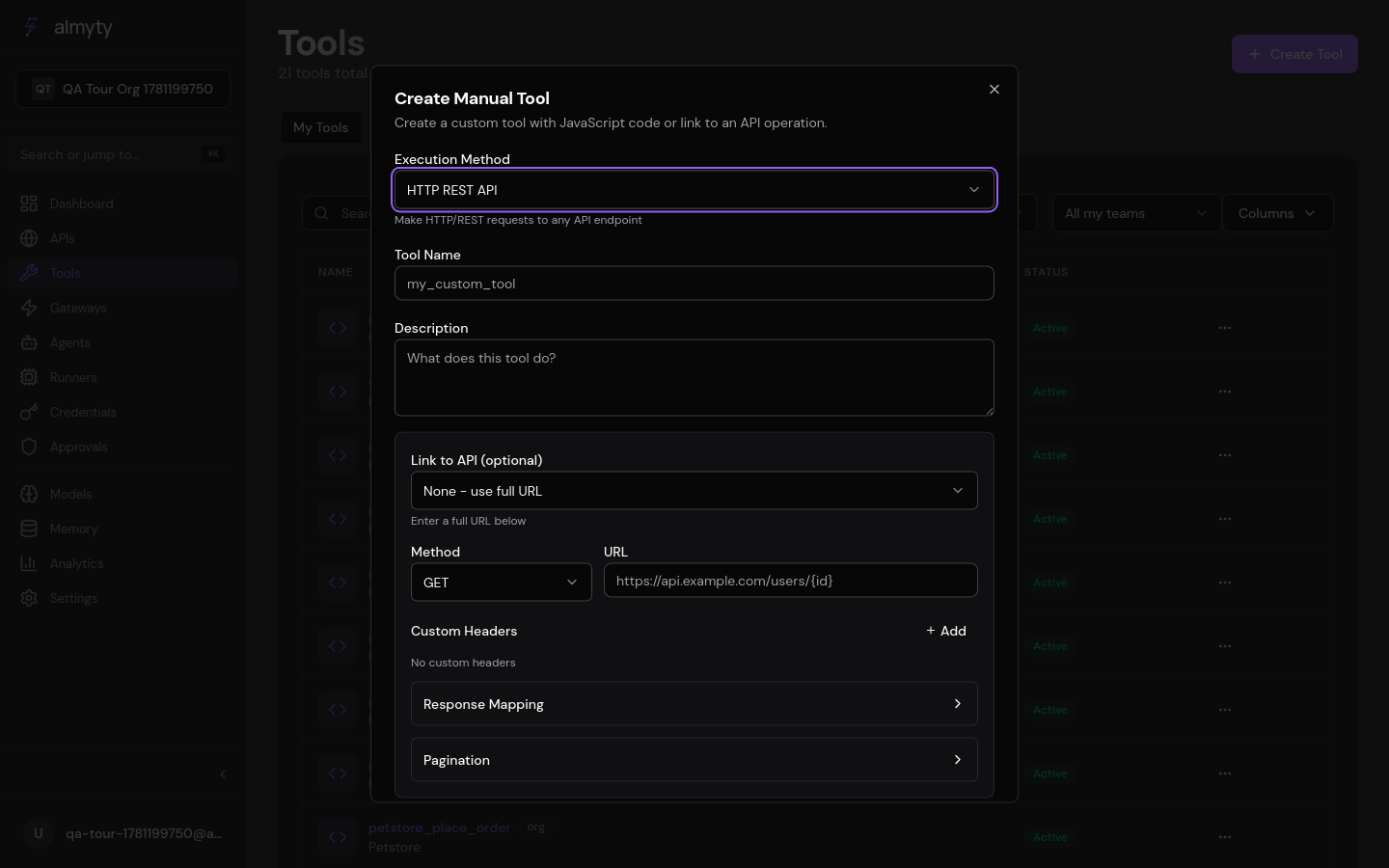
Create one in the UI
- Open Tools, click Create Tool, select GraphQL.
- Give it a name and description.
- Enter the GraphQL endpoint URL.
- Write the query or mutation in the query editor.
- Define input parameters. These map to GraphQL variables via
{{parameters.*}}expressions. - Add authentication headers (typically a Bearer token).
- Optionally set an operation name if the document holds multiple operations.
- Click Create.
Variable mapping
GraphQL variables are mapped from tool parameters with template expressions, and type coercion happens automatically:
- String parameters stay as strings
- Numeric parameters are passed as numbers
- Boolean parameters are passed as booleans
- Object parameters are passed as nested objects
The tool definition
The query, variable map, and endpoint are the tool. A GitHub repository search
maps two inputs onto a single search query:
{
  "name": "search_repositories",
  "description": "Search GitHub repositories using GraphQL",
  "type": "graphql",
  "parameters": {
    "type": "object",
    "properties": {
      "query": { "type": "string", "description": "Search query" },
      "first": { "type": "integer", "description": "Number of results", "default": 10 }
    },
    "required": ["query"]
  },
  "executionConfig": {
    "endpoint": "https://api.github.com/graphql",
    "headers": {
      "Authorization": "Bearer {{env.GITHUB_TOKEN}}"
    },
    "query": "query SearchRepos($query: String!, $first: Int!) { search(query: $query, type: REPOSITORY, first: $first) { repositoryCount edges { node { ... on Repository { name description stargazerCount url } } } } }",
    "variables": {
      "query": "{{parameters.query}}",
      "first": "{{parameters.first}}"
    }
  }
}
Configuration reference
| Field | Type | Description |
|---|---|---|
endpoint | string | GraphQL API URL |
headers | object | Request headers (authentication, content-type, etc.) |
query | string | GraphQL query or mutation string |
variables | object | Variable mapping using {{parameters.*}} template expressions |
operationName | string | Operation name (required for documents with multiple operations) |
Authentication
GraphQL endpoints typically use Bearer token authentication:
{
  "headers": {
    "Authorization": "Bearer {{env.API_TOKEN}}",
    "Content-Type": "application/json"
  }
}
For endpoints requiring custom authentication, add any headers you need.
Error handling
GraphQL APIs return errors in a specific shape:
{
  "data": null,
  "errors": [
    {
      "message": "Not found",
      "locations": [{ "line": 2, "column": 3 }],
      "path": ["user"]
    }
  ]
}
almyty detects these errors and reports them as tool execution failures, including the messages from the API.
Response extraction
By default the entire data object from the response is returned as the tool
result. For complex responses, use a Transform node in an agent pipeline to
extract specific fields.
Best practices
- Use variables: never interpolate values directly into the query string.
- Name your operations: helps with debugging and server-side logging.
- Request only needed fields: selective field querying is GraphQL’s strength.
- Handle nullable fields: many GraphQL schemas default fields to nullable.
- Test with GraphiQL: verify queries work before creating tools.