Tools
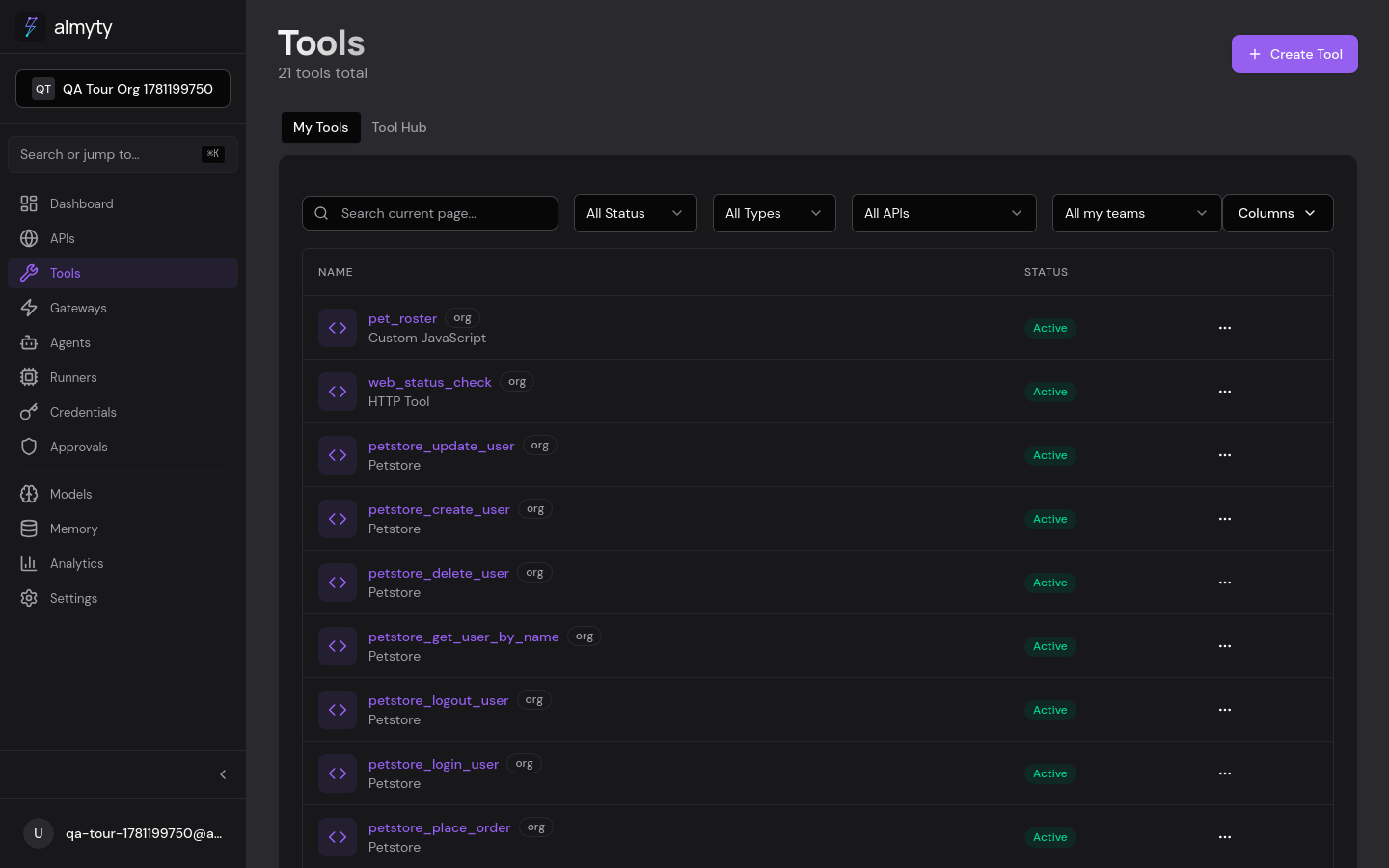
Point almyty at an API and every operation becomes a typed tool your agents can call: validated inputs, a description the model reads to decide when to use it, and a source it traces back to. Import a schema and you get a tool per operation. Need custom logic instead? Write one by hand from HTTP, GraphQL, JavaScript, an LLM prompt, or an npm SDK.
Two ways to get tools
Import an API. On the APIs page, import a schema and almyty creates a tool for each operation, with parameters, types, and validation already filled in:
| Schema | What becomes a tool |
|---|---|
| OpenAPI | Each path plus method |
| GraphQL | Each query and mutation |
| SOAP | Each WSDL operation |
| Protobuf | Each RPC method |
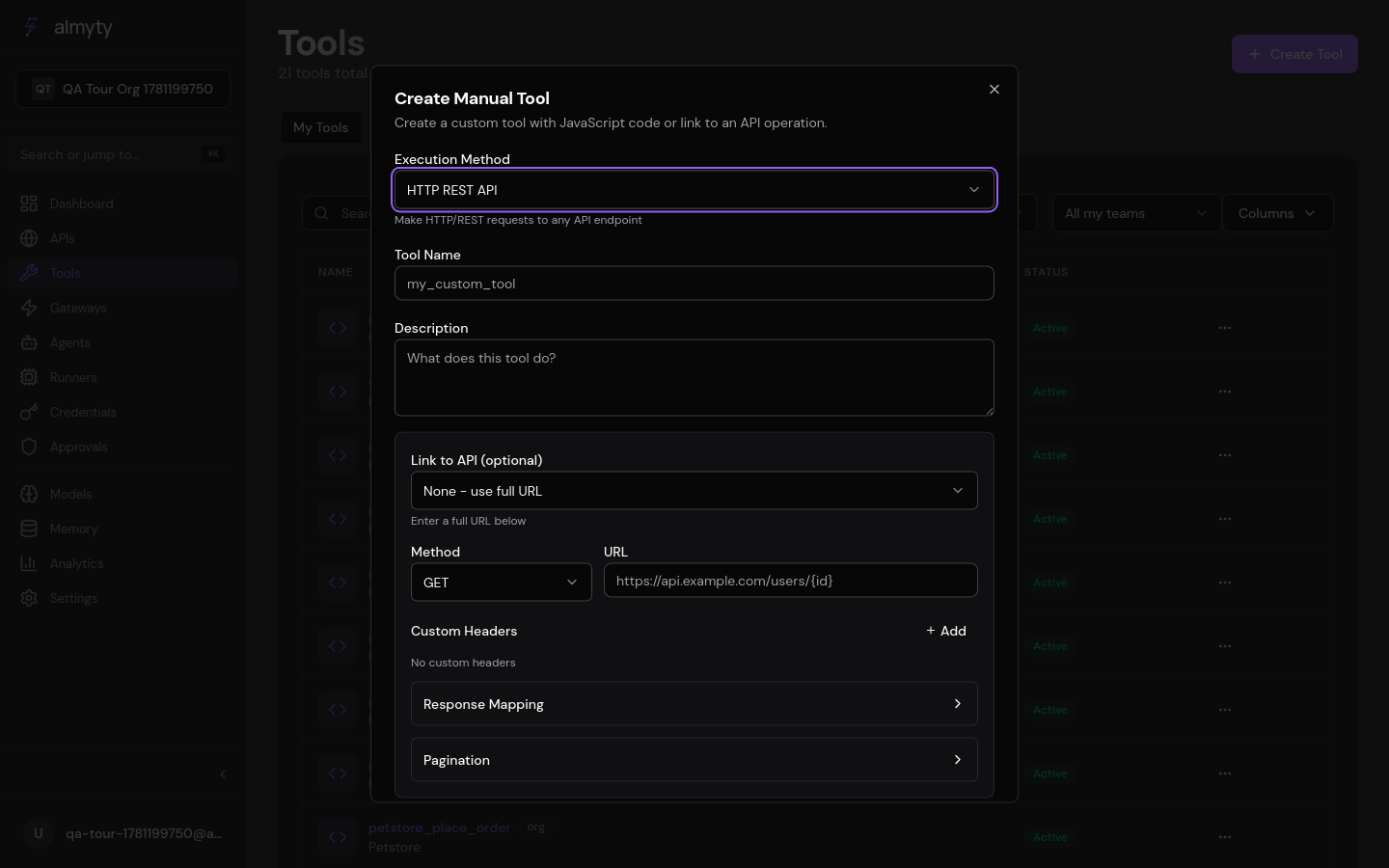
Create one by hand. Click Create Tool and pick an execution method. Give it a name and description (the description is what agents see when deciding whether to call it), define input parameters with the JSON Schema builder, then configure the method.
Tool types
| Type | Use it to | Docs |
|---|---|---|
| HTTP | Call any REST endpoint with method, URL, headers, and body | HTTP tools |
| GraphQL | Run a query or mutation against a GraphQL endpoint | GraphQL tools |
| JavaScript | Run sandboxed JS/TS with npm packages for logic and transforms | JavaScript tools |
| LLM | Generate output from a prompt template using a configured model | LLM tools |
| SDK | Import an npm package and generate tools from its exported functions | SDK tools |
| MCP | Consume any remote MCP server; its tools become native almyty tools | MCP tools |
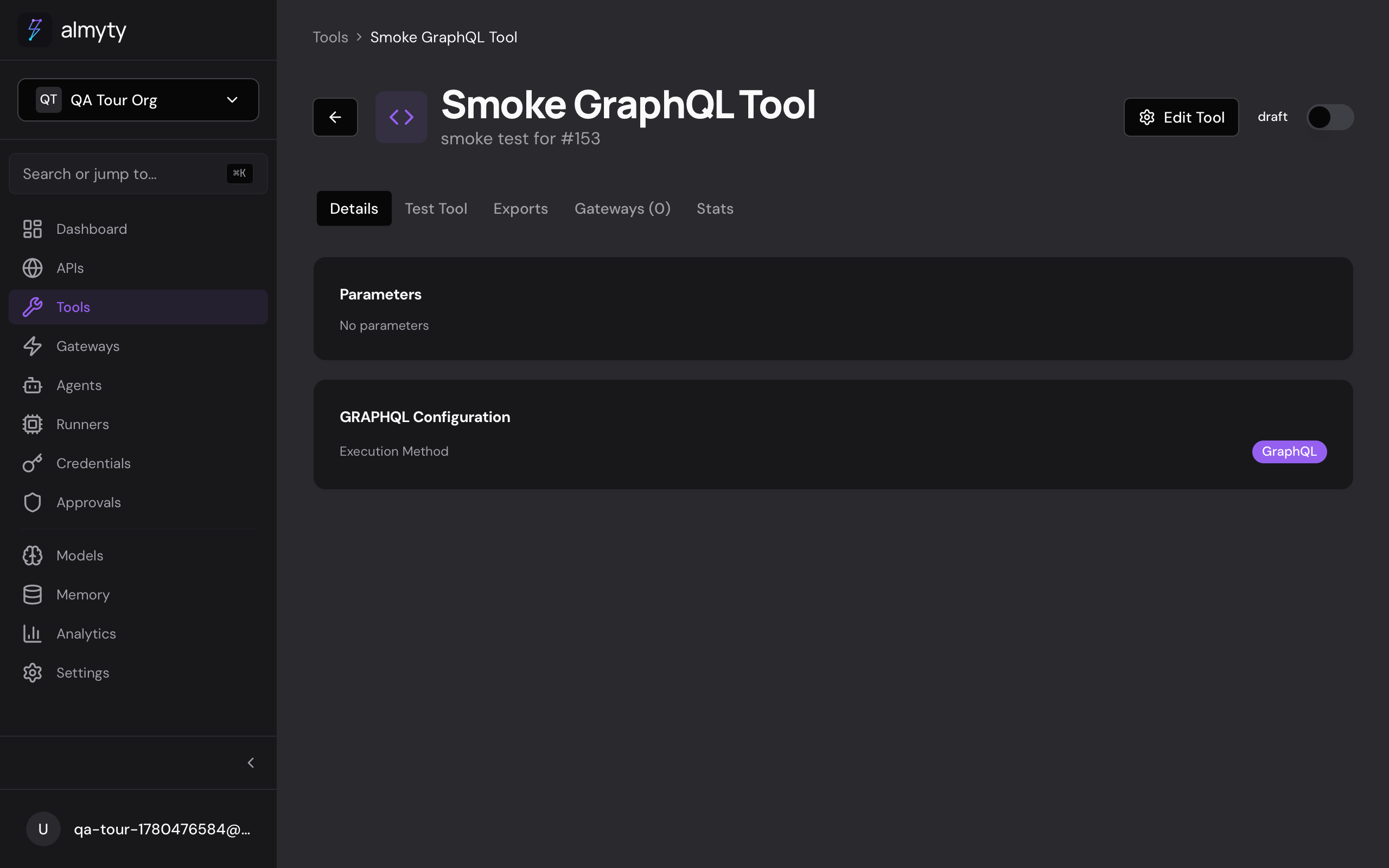
Open a tool to configure it and run it against real inputs in the tool tester before an agent ever touches it.
Put tools in front of an LLM
Assign tools to a gateway, then expose that gateway over MCP from your terminal. Any MCP-compatible client (Claude, an IDE, your own agent) sees them as native tools:
$ npx @almyty/auth login
$ npx @almyty/mcp-server acme/petstore
See the MCP server CLI for gateway setup and client config.
Tool lifecycle
| Status | Meaning |
|---|---|
active | Available for execution and gateway assignment |
inactive | Exists but cannot be executed |
deprecated | Marked for removal, still functional |
error | Has a configuration issue that needs attention |
Export formats
Any tool exports to:
- SKILL.md for Agent Skills injection
- CLI as a Bash or Node.js script
- SDK as generated code for programmatic use
See the individual tool type pages for method-specific configuration.