UTCP Gateway
Call your tools over a plain REST API. A UTCP (Universal Tool Call Protocol) gateway lists and invokes tools with ordinary HTTP, so it works from any client library or agent framework with no special SDK.
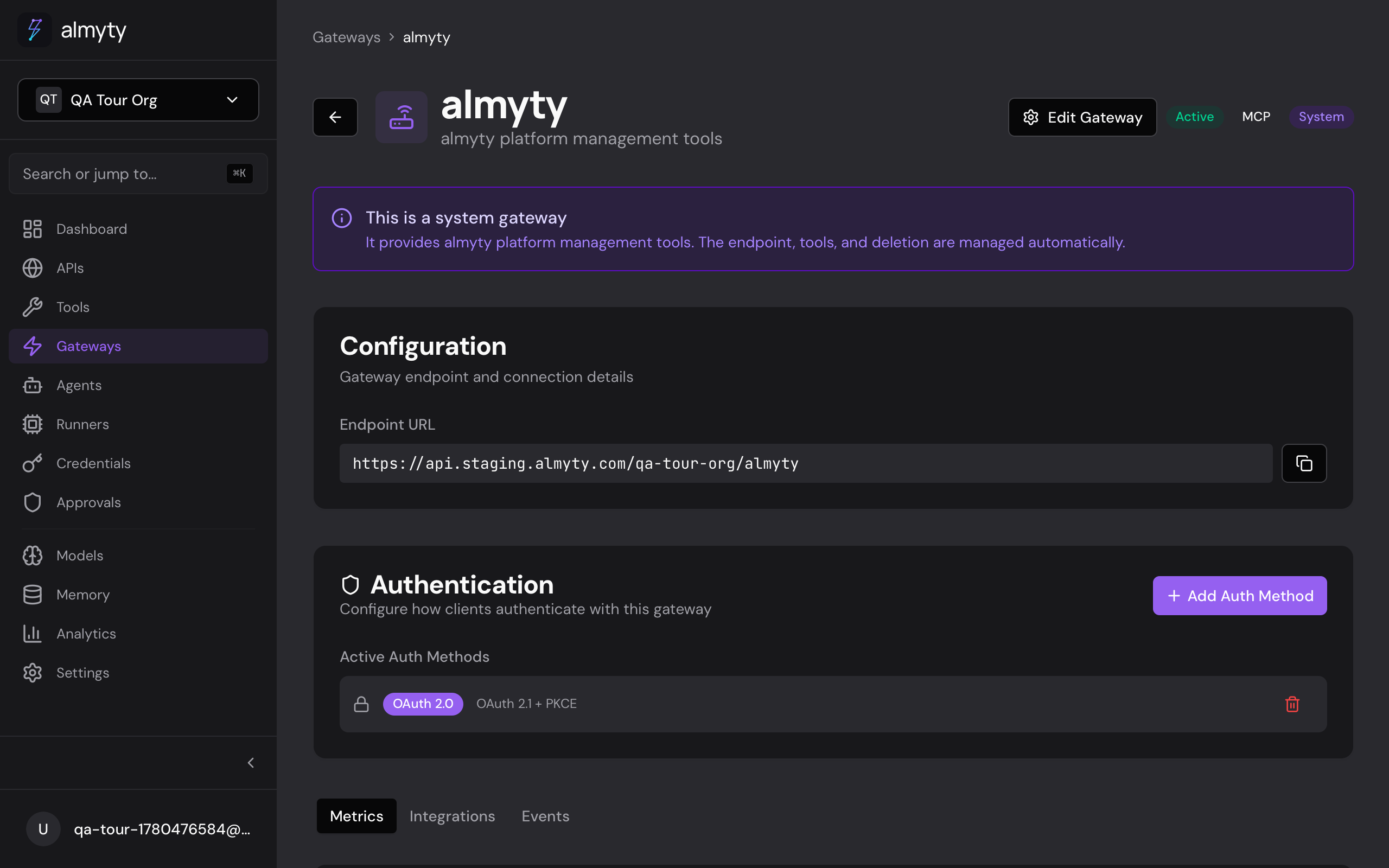
Create the gateway
- Open Gateways in the sidebar and click Create Gateway
- Select UTCP as the protocol
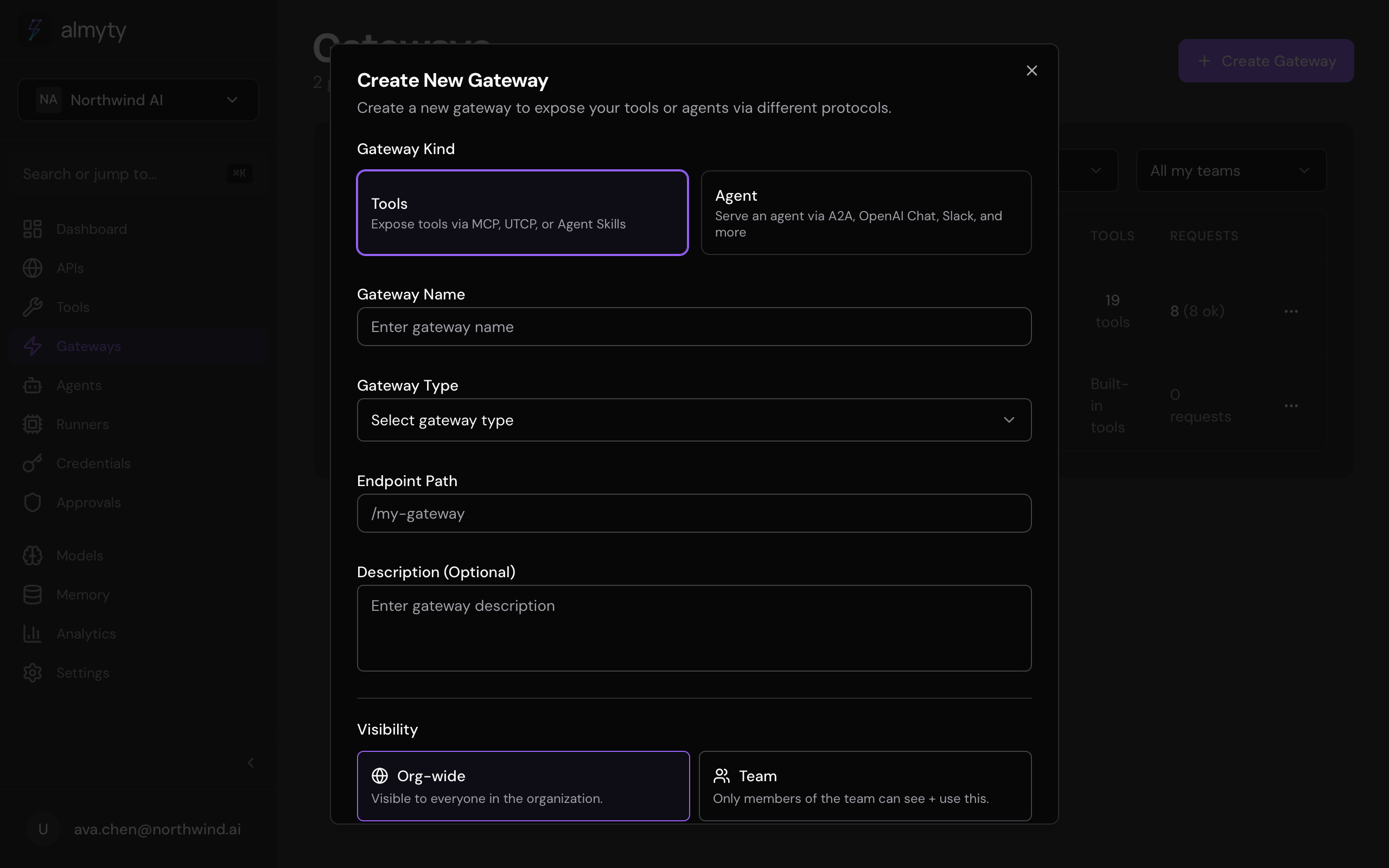
- Enter a name, slug, and optional description
- Click Create
Assign tools from the Tools tab on the gateway detail page, then configure authentication from the Authentication tab.
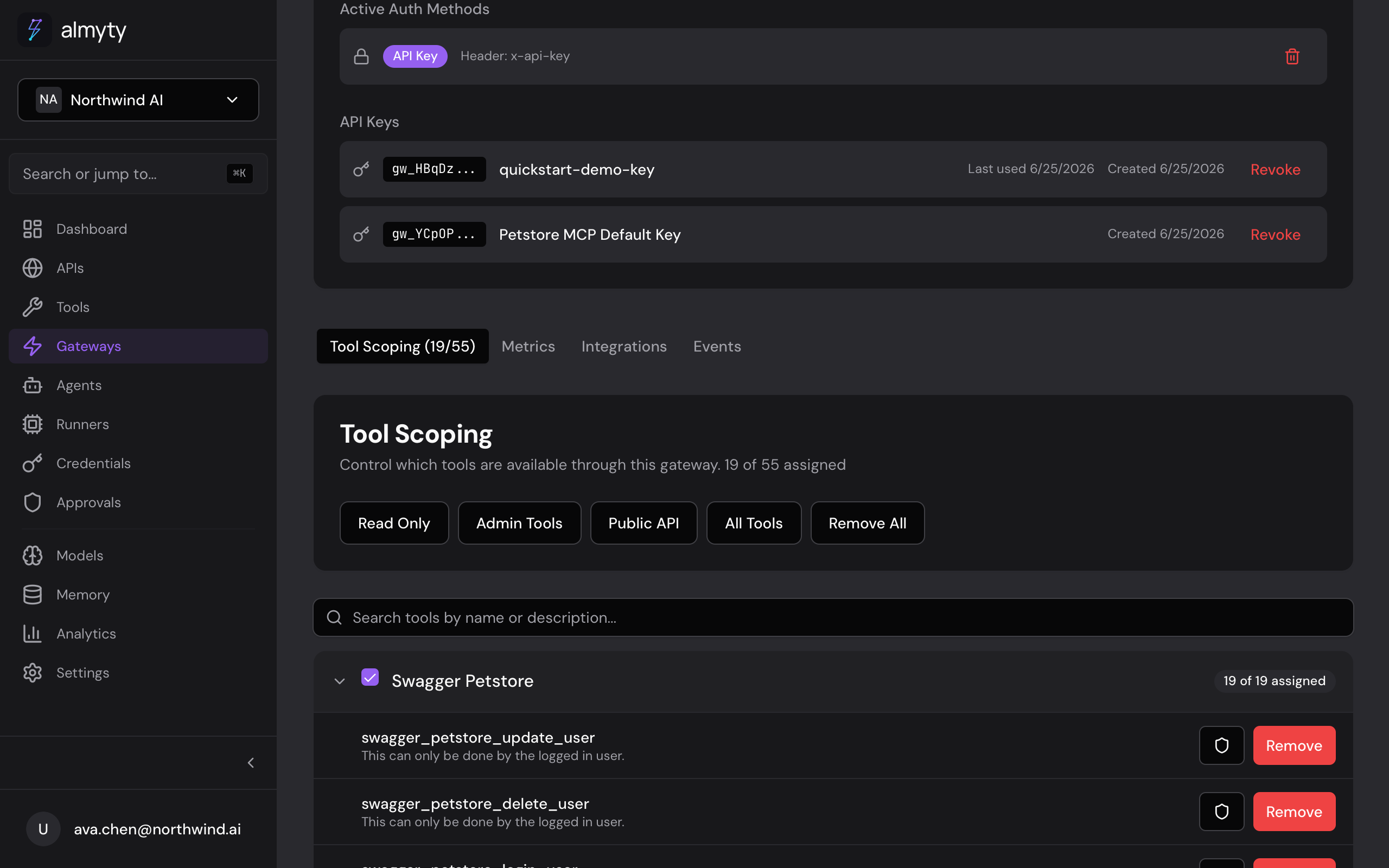
Your UTCP endpoint follows this pattern:
https://api.almyty.com/utcp/{org}/{gateway-slug}Endpoints
| Method | Path | Description |
|---|---|---|
GET | /tools | List all tools on this gateway |
GET | /tools/{name} | Get a single tool definition |
POST | /tools/{name}/invoke | Execute a tool |
GET | /health | Gateway health check |
Listing tools returns each tool’s name, description, and parameter schema:
{
  "tools": [
    {
      "name": "get_users",
      "description": "Retrieve a list of users with pagination",
      "parameters": {
        "type": "object",
        "properties": {
          "page": { "type": "integer" },
          "limit": { "type": "integer" }
        }
      }
    }
  ]
}
Invoking a tool takes an arguments object and returns the result plus timing metadata:
{
  "result": {
    "users": [
      { "id": "1", "name": "Alice", "email": "alice@example.com" }
    ],
    "total": 42
  },
  "metadata": {
    "duration": 234,
    "toolId": "tool-uuid"
  }
}
Connect from code
Python
import requests

base = "https://api.almyty.com/utcp/acme/tools-api"
headers = {"Authorization": "Bearer your-gateway-key"}

tools = requests.get(f"{base}/tools", headers=headers).json()["tools"]

result = requests.post(
    f"{base}/tools/get_users/invoke",
    headers=headers,
    json={"arguments": {"page": 1, "limit": 10}},
).json()["result"]
JavaScript
const base = "https://api.almyty.com/utcp/acme/tools-api";
const headers = { Authorization: "Bearer your-gateway-key" };

const { tools } = await fetch(`${base}/tools`, { headers }).then(r => r.json());

const { result } = await fetch(`${base}/tools/get_users/invoke`, {
  method: "POST",
  headers: { ...headers, "Content-Type": "application/json" },
  body: JSON.stringify({ arguments: { page: 1, limit: 10 } }),
}).then(r => r.json());
Error codes
| Code | HTTP Status | Description |
|---|---|---|
TOOL_NOT_FOUND | 404 | Tool does not exist on this gateway |
INVALID_PARAMS | 400 | Parameters failed validation |
EXECUTION_FAILED | 500 | Tool execution threw an error |
UNAUTHORIZED | 401 | Missing or invalid authentication |
RATE_LIMITED | 429 | Too many requests |
See Gateway Authentication for the auth methods you can put in front of the endpoint.