LLM Tools
An LLM tool wraps a prompt template as a callable action. Instead of hitting an endpoint or running code, it fills a prompt with the tool’s inputs, sends it to a configured provider, and returns the model’s answer as raw text or as validated JSON. Use it for summarizing, classifying, extracting, or translating inside a larger agent flow.
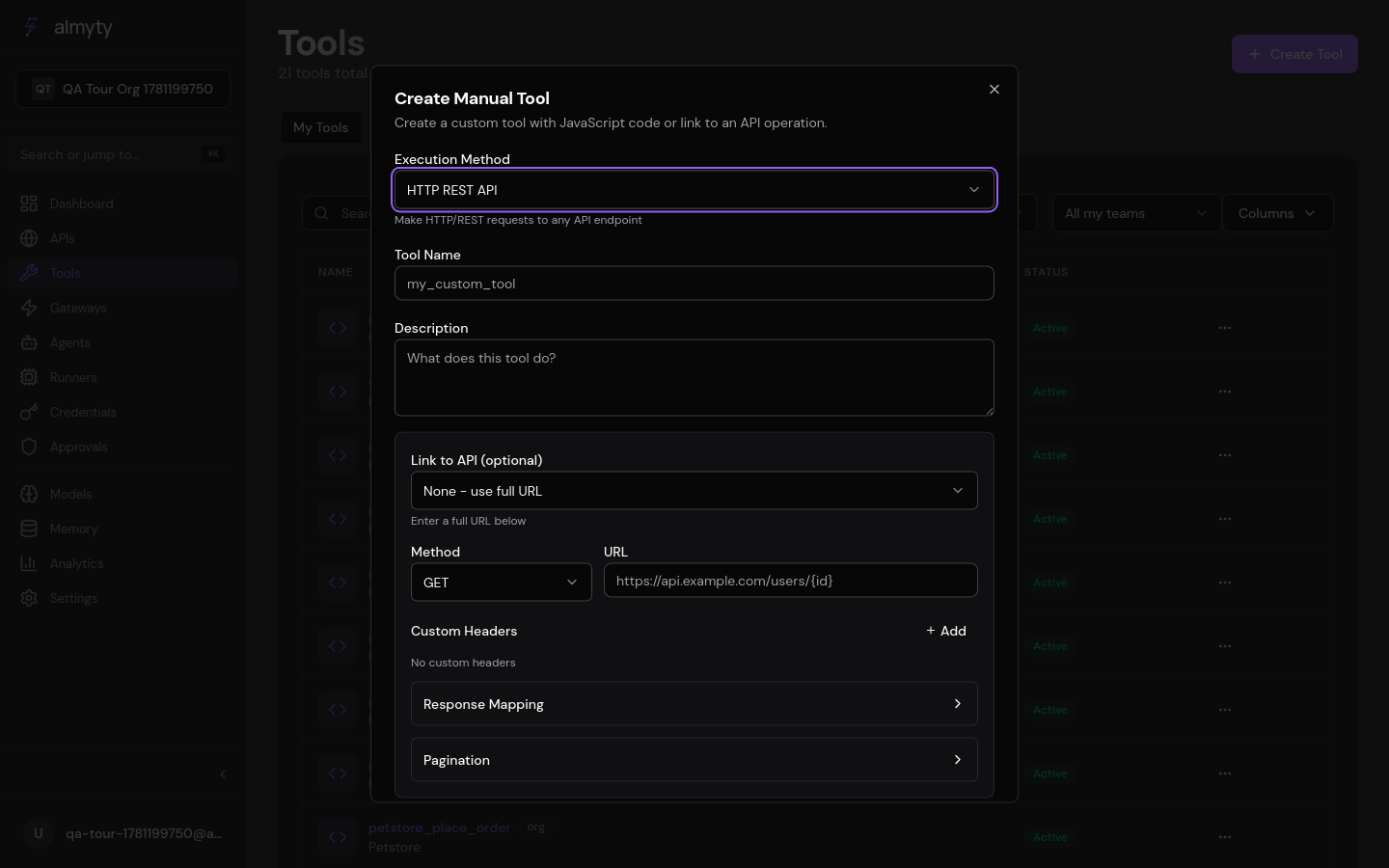
Create one in the UI
- Open Tools, click Create Tool, select LLM.
- Give it a name and description.
- Choose an LLM provider and model from your configured providers (set these up under AI Models first).
- Write a system prompt with standing instructions for the model.
- Write a user prompt template using
{{parameters.*}}expressions for dynamic values. - Define the input parameters referenced in the templates.
- Choose the output mode:
- Text: returns the raw model response as a string
- JSON: instructs the model to return structured JSON, optionally validated against a schema you provide
- Adjust temperature and max tokens if needed.
- Click Create.
Output modes
Text mode returns the raw LLM response:
{
  "result": "Here are the key points:\n1. First point\n2. Second point"
}
JSON mode parses the response and optionally validates it against an
outputSchema you define. Use it for classification, entity extraction, and any
tool whose consumers expect structured data:
{
  "result": {
    "summary": "Brief overview",
    "keyPoints": ["Point 1", "Point 2"],
    "sentiment": "positive"
  }
}
The tool definition
The prompt template and provider config are the tool. A summarizer maps its text input into a user prompt and pins a low temperature for stable output:
{
  "name": "summarize_text",
  "description": "Summarize a text document into key points",
  "type": "llm",
  "parameters": {
    "type": "object",
    "properties": {
      "text": { "type": "string", "description": "Text to summarize" },
      "maxPoints": { "type": "integer", "description": "Maximum bullet points", "default": 5 }
    },
    "required": ["text"]
  },
  "executionConfig": {
    "providerId": "provider-uuid",
    "model": "gpt-4o",
    "systemPrompt": "You are a concise summarizer. Extract key points from text.",
    "promptTemplate": "Summarize the following text into at most {{parameters.maxPoints}} bullet points:\n\n{{parameters.text}}",
    "temperature": 0.3,
    "maxTokens": 1024,
    "outputMode": "text"
  }
}
Configuration reference
| Field | Type | Default | Description |
|---|---|---|---|
providerId | string | (required) | ID of the LLM provider |
model | string | Provider default | Specific model to use |
systemPrompt | string | (none) | System-level instructions |
promptTemplate | string | (none) | User prompt with {{parameters.*}} expressions |
temperature | number | 0.7 | Sampling temperature (0 = deterministic, 2 = creative) |
maxTokens | number | 1024 | Maximum tokens in the response |
outputMode | string | text | text for raw string, json for parsed JSON |
outputSchema | JSON Schema | (none) | When outputMode is json, validates the response |
Prompt templates
Templates support {{parameters.*}} expressions, substituted at execution time:
Translate the following {{parameters.sourceLanguage}} text to {{parameters.targetLanguage}}:

{{parameters.text}}
Output schema (JSON mode)
When using JSON mode, define an output schema to enforce structure:
{
  "outputMode": "json",
  "outputSchema": {
    "type": "object",
    "properties": {
      "summary": { "type": "string" },
      "keyPoints": { "type": "array", "items": { "type": "string" } },
      "sentiment": { "type": "string", "enum": ["positive", "neutral", "negative"] }
    },
    "required": ["summary", "keyPoints"]
  }
}
Supported providers
LLM tools work with any configured provider:
| Provider | Models |
|---|---|
| OpenAI | gpt-4o, gpt-4o-mini, gpt-4-turbo, etc. |
| Anthropic | claude-sonnet-4-20250514, claude-3.5-haiku, etc. |
| Custom | Any OpenAI-compatible API endpoint |
Configure providers in AI Models before creating LLM tools.
Cost tracking
Each execution tracks token usage:
{
  "result": "...",
  "usage": {
    "promptTokens": 120,
    "completionTokens": 85,
    "totalTokens": 205,
    "estimatedCost": "$0.0004"
  }
}
View aggregate usage in the Analytics dashboard.
Common use cases
| Tool | System prompt | Output mode |
|---|---|---|
| Summarizer | ”Extract key points concisely” | text |
| Classifier | ”Classify into categories” | json |
| Translator | ”Translate accurately” | text |
| Entity extractor | ”Extract named entities” | json |
| Code generator | ”Write clean, tested code” | text |
| Sentiment analyzer | ”Analyze sentiment” | json |