Let an assistant work on one of your machines
Some work can only happen on a particular machine: a build server, a laptop with the right software, a box inside your private network that can reach an internal database. A runner is a small program you install on that machine. It connects out to almyty (you open no ports), and your assistants can then run commands there, use the software installed on it, and work with its files.
For example: an assistant runs your test suite on the build server every night and reports what failed.
For a full walk-through, see For developers: APIs and machines.
What you need
- A machine with Node.js installed, and someone who can open a terminal on it.
- An almyty login for that person.
How to build it
-
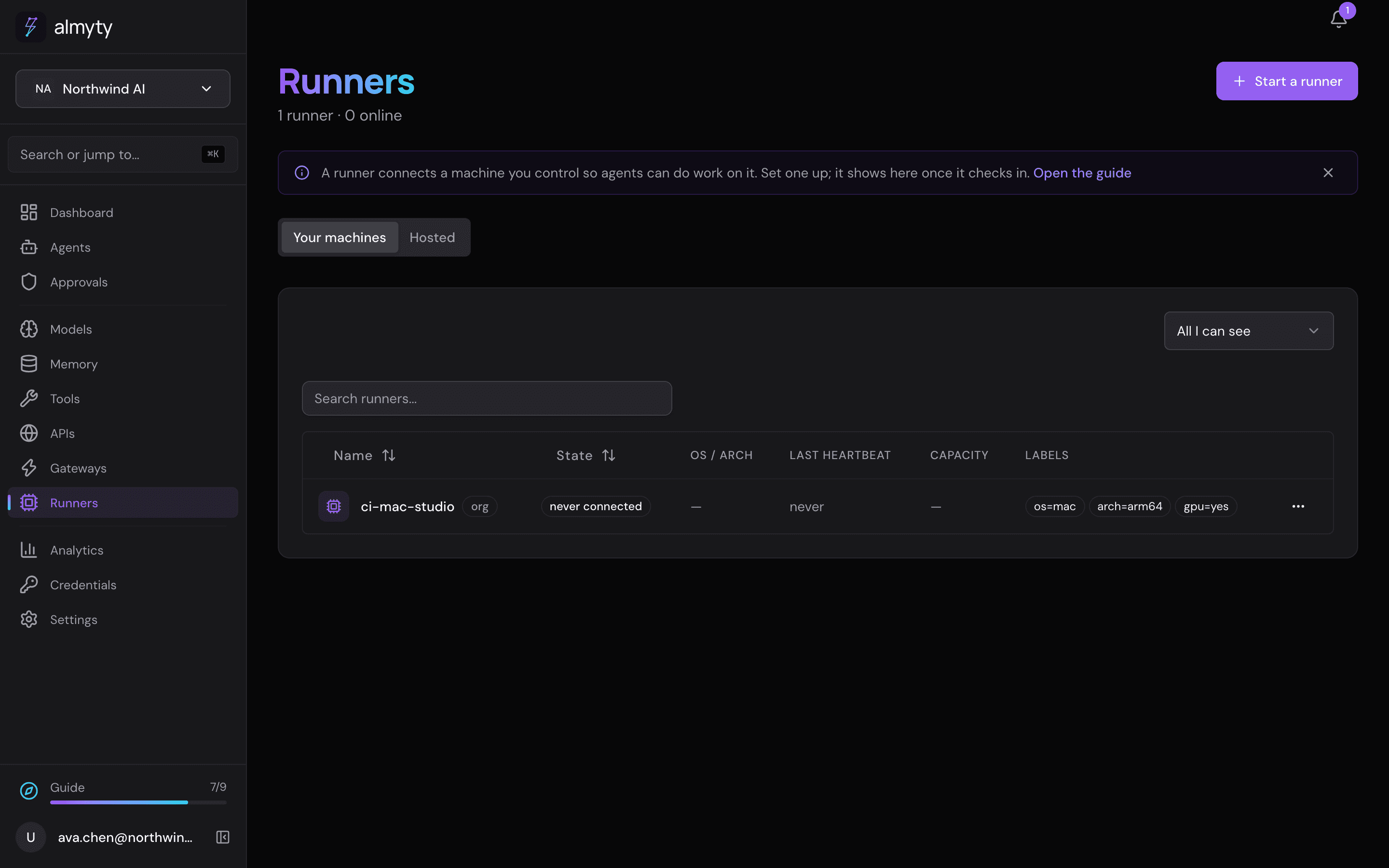
Create the runner. Open Runners and click Start a runner. Keep or change the name, add labels if you like (short tags such as
os=macthat say what the machine has), and choose who may use it. The page then shows the commands to run on the machine. -
Start it on the machine. Run those commands (see below). Within a moment the runner shows as online on the Runners page.
-
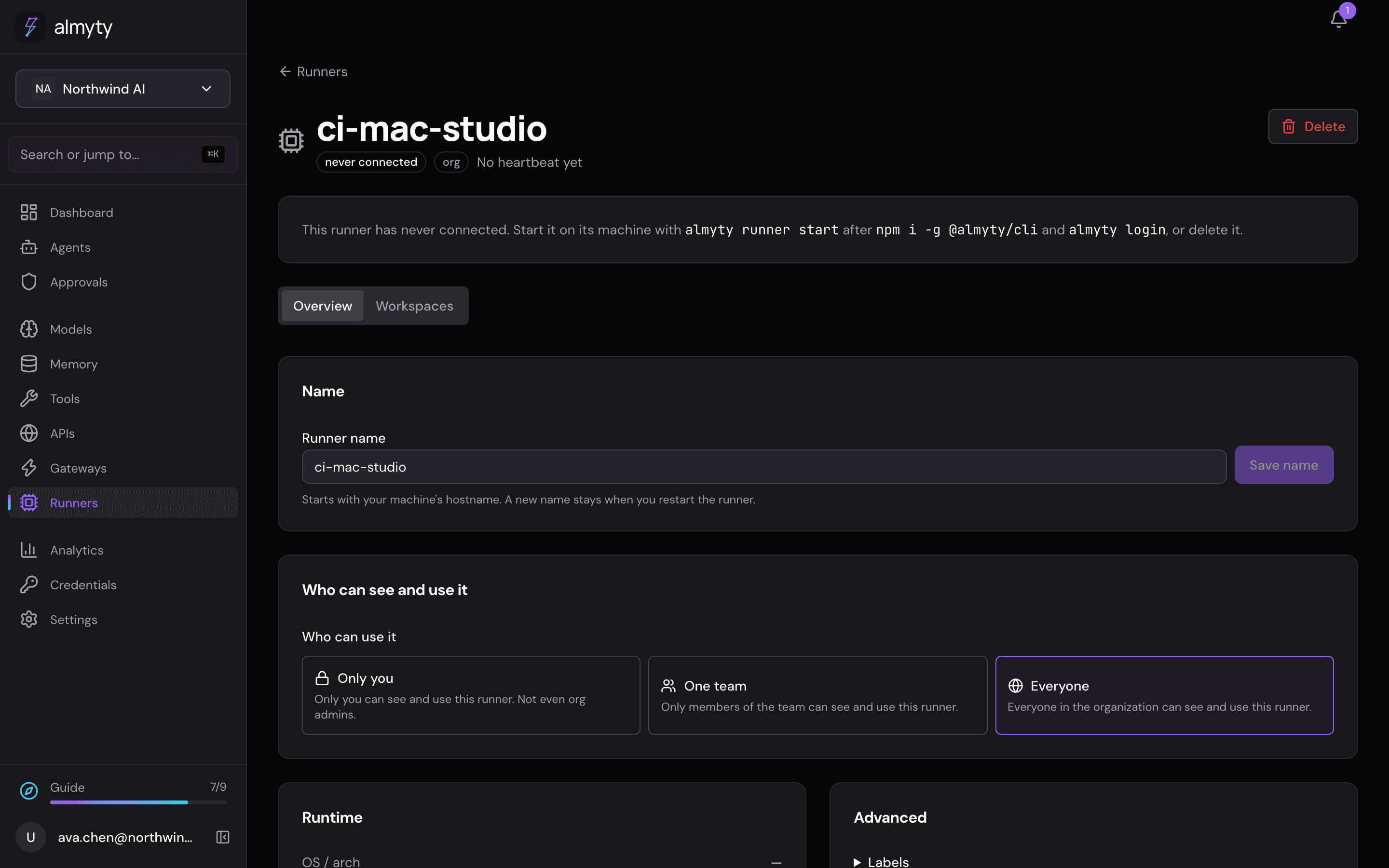
See what it can do. Open the runner. It lists the programs it found on the machine and which coding assistants are installed.
-
Let an assistant use it. The runner’s abilities (run a command, describe the machine, list the coding tools on it) appear as tools named after the runner. Edit your assistant and pick them under Tools and APIs, or, under Machine, fill Machine labels so its runner tools run on any online machine with those labels.
What stays on the machine: the code and files themselves. What a command prints goes back to the assistant that ran it, so don’t treat the runner as a way to keep secrets from it.
For developers
npm i -g @almyty/runner @almyty/auth
almyty-auth login
almyty-runner start --name build-server
The runner signs in as the person who ran almyty-auth login. Each account can have one runner for now. Commands run as the machine’s user, with no sandbox, so set the path and command limits described in the runner CLI.