An assistant that checks and reports on a schedule
An assistant that looks at something on a regular rhythm and tells you what it found. For example: once a day it checks the failed payments since its last run, groups them by reason, and sends a short summary to your team, before anyone has opened a dashboard.
For a full walk-through with screenshots, see Nightly systems report.
What you need
- The system to check, connected as an API (for example your payments API).
- Somewhere for the summary to go: a Slack or email tool, or an address of yours that receives it.
How to build it
-
Create the assistant. Open Agents, click Create agent and switch to Autonomous. Pick the tools it needs under Tools and APIs, and write the standing job in Instructions: “Get the failed charges since the last run, group them by decline reason, and send a short summary. If there are none, say so.” Turn on memory (Remember between conversations) so it notices failures that keep coming back.
-
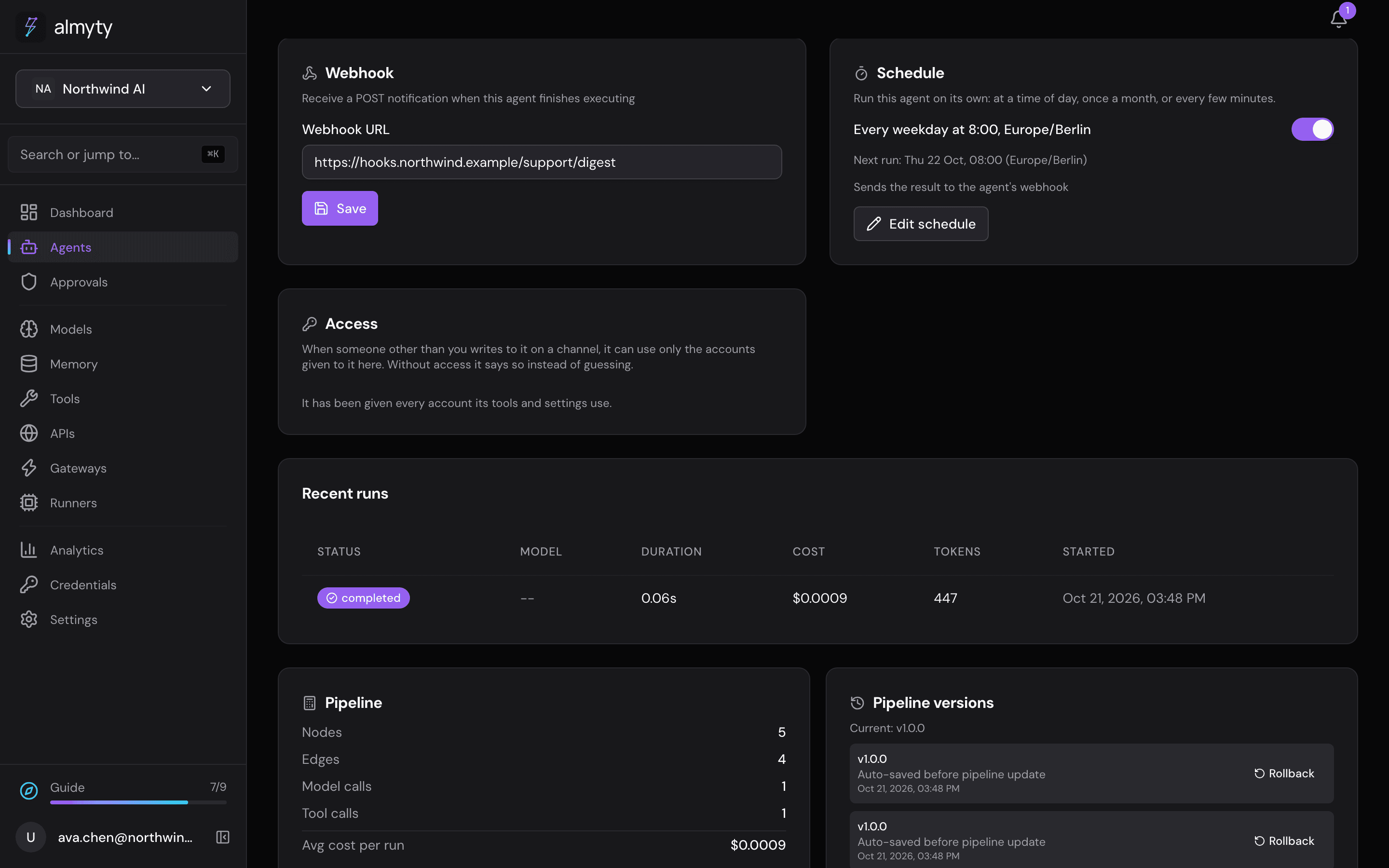
Put it on a schedule. On its Overview tab, in the Schedule card, turn on Enable schedule, set Interval (minutes) (1440 for once a day, 240 for every four hours) and click Save schedule. almyty starts each run itself; you need no other scheduler.
-
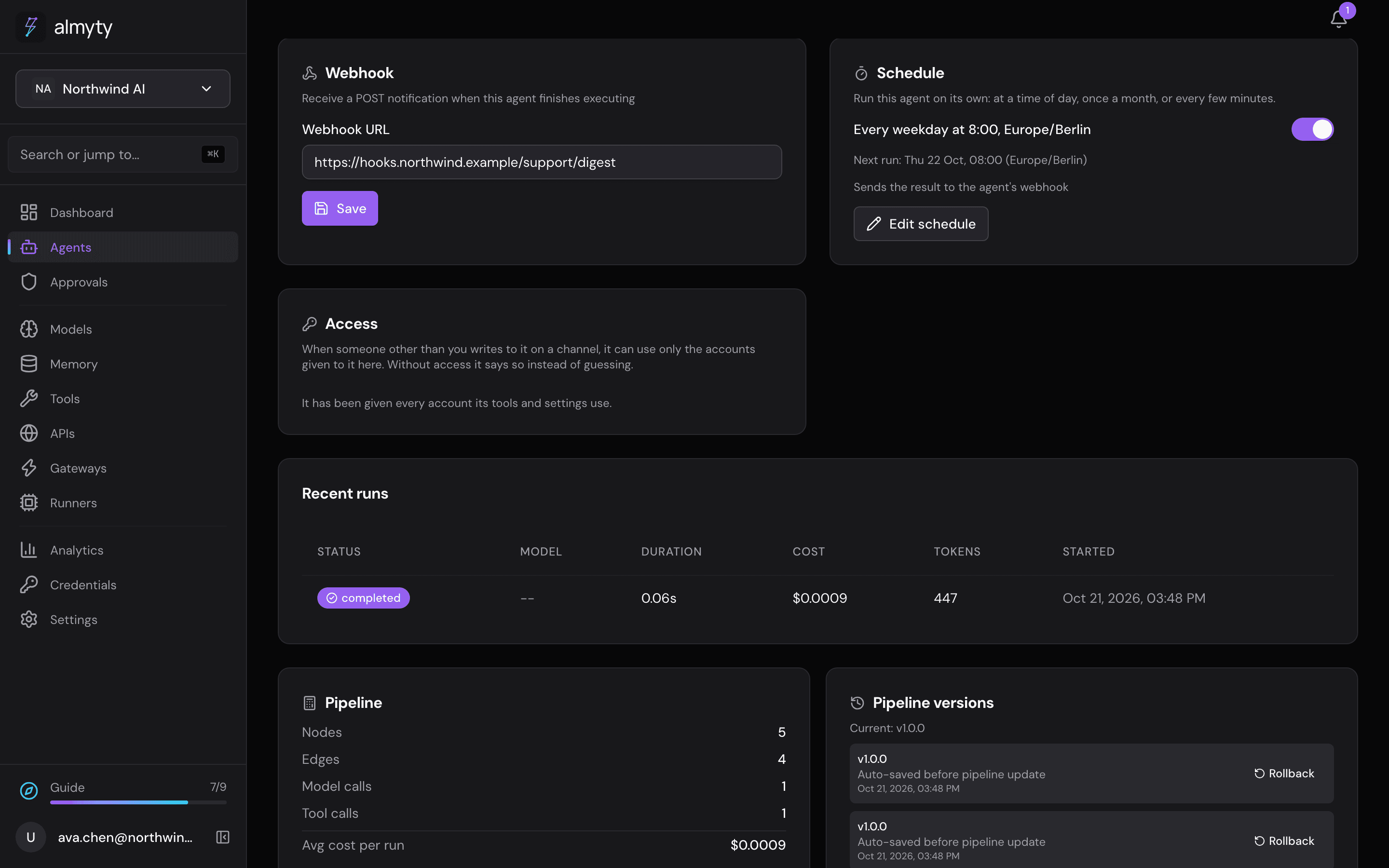
Send the result out. Either give it a Slack or email tool and tell it to send the summary as its last step, or paste an address into the Webhook card and click Save: when a run finishes, almyty sends the run’s result there, and your service passes it on. The webhook sends almyty’s own format, so a Slack “incoming webhook” address can’t take it directly.
-
Let it run. Each scheduled run is an ordinary run: it is on the Runs tab and in the audit trail, it follows the same rules and budgets, and you can open any past run to see exactly what it checked and sent.
The same pattern covers uptime checks, nightly reports, service-level alerts and data freshness checks: anything that is “look at X regularly and tell someone”.
For developers
The webhook is a POST with a JSON body: event (agent.execution.completed), timestamp, agent (id, name) and execution (id, status, output, executionTime, totalCost, totalTokens, error). See Webhooks.