What you can do
almyty turns the software your company already runs into AI assistants that do real work, and puts them where your staff and customers already talk. Here is what that looks like in practice.
The six step-by-step guides below build a complete assistant each, with a screenshot for every step. They are written for anyone: you do not need to write code. The shorter examples after them show more ideas, in fewer words.
Step-by-step guides
- Customer support assistant: one assistant on your website, WhatsApp and email. It looks up orders in your order system, refunds small amounts itself and asks a manager before a big refund.
- Sales assistant in Slack: before a call, a short brief on the account from your CRM; after the call, your notes saved back to it.
- Product chat for your website: a chat on your website and campaign pages that answers product questions from your documentation, with a daily spending cap.
- Nightly systems report: an assistant that checks your systems every night and posts a short report to Slack.
- Internal help desk: an assistant in Microsoft Teams or Slack that answers staff questions about HR, IT and the office.
- For developers: your company’s APIs as tools in coding assistants, and agents that run jobs on your own machines.
How every guide works
Each assistant is built from the same few pieces:
- Connect your systems. Under APIs, give almyty the description of a system you already use (an order system, a CRM, a help center). It works out what that system can do, such as “look up an order” or “issue a refund”, and turns each into a tool an assistant can use.
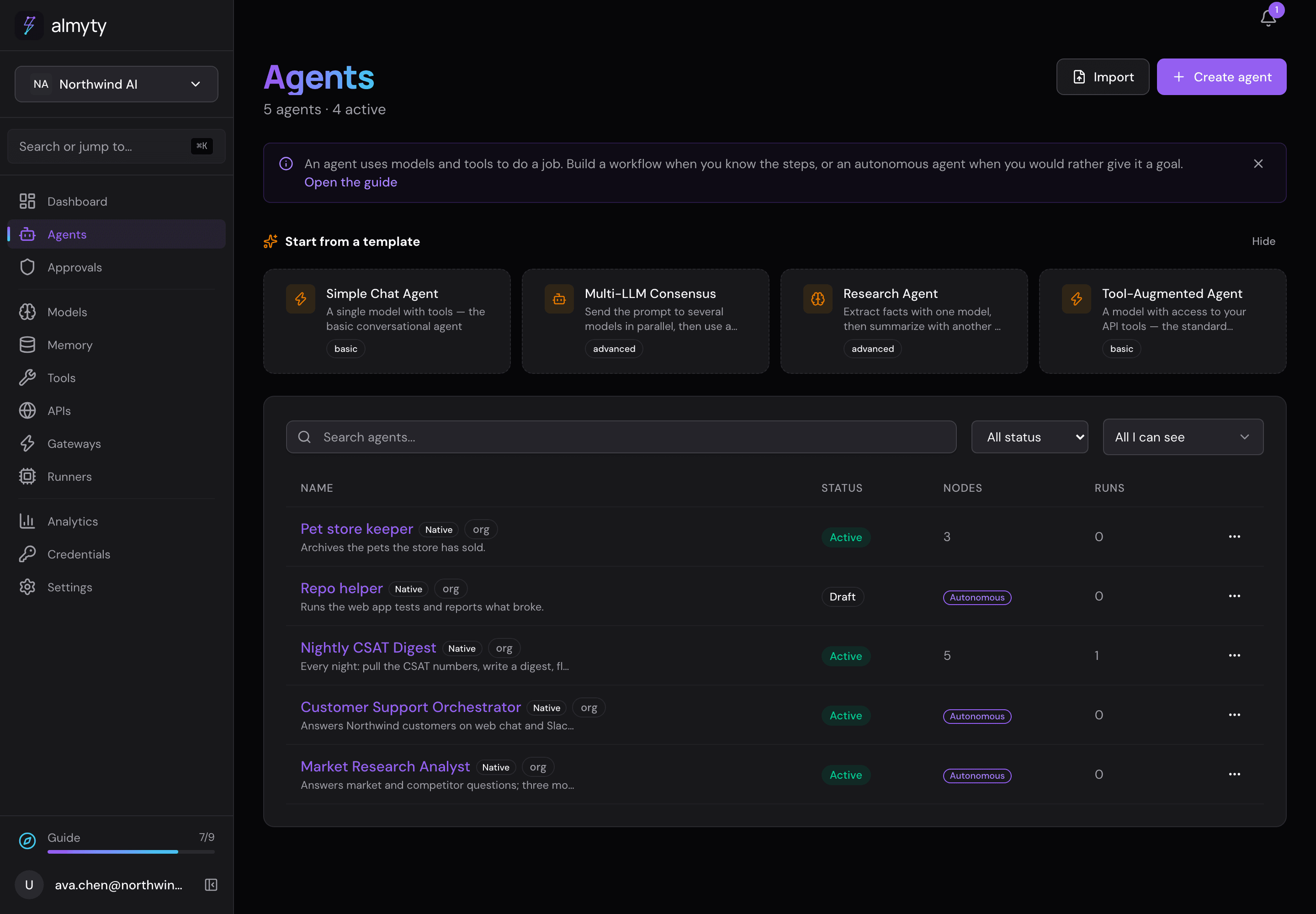
- Build the assistant. Under Agents, write what it should do in plain words, pick the AI model it runs on (you can switch any time) and tick the tools it may use.
- Put it where people are. On its Channels tab, publish it as a web chat, a chat bubble on your website, in Slack, Teams, WhatsApp, email, text messages, iMessage, as a desktop or terminal app, or for other AI tools.
Around all of it: your keys are stored safely under Credentials, you decide who may use what, spending caps and visitor limits keep costs in check, anything that cannot be undone can wait for a person’s approval, and every action is recorded.
More examples
Support and sales
- Sort support tickets and draft replies
- Answer common questions from your docs
- A refund assistant with safeguards
- Score and route new leads
- Turn call notes into CRM updates
- An assistant that remembers
Operations, data and finance
- An assistant that checks and reports on a schedule
- A nightly check on your data
- Ask your database questions in plain English
- Match Stripe payouts against your books
- Contract review by several AI models
- Put your Google Drive or SharePoint to work
Control and compliance
- Put a ceiling on AI spending
- Decide who signs off, once, for every assistant
- Keep each team’s assistants to that team
- Sign in with your company accounts
- Send your audit trail to your security team’s tools
- Get ready for the EU AI Act
- Run everything inside your own network
Engineering
- Give your coding assistant your own API
- Give an old SOAP service a modern front door
- Turn a code library into tools
- Let an assistant work on one of your machines
- Sort and label GitHub issues
- A first pass on pull requests
- Summarize on-call alerts
- Several coding assistants on one task
A name like “CRM API” in these examples means a system of yours that you connect under APIs, not something built in.