Chat
Talk to your agents from the terminal. No browser, no setup past one login.
npx @almyty/chat acme/support-bot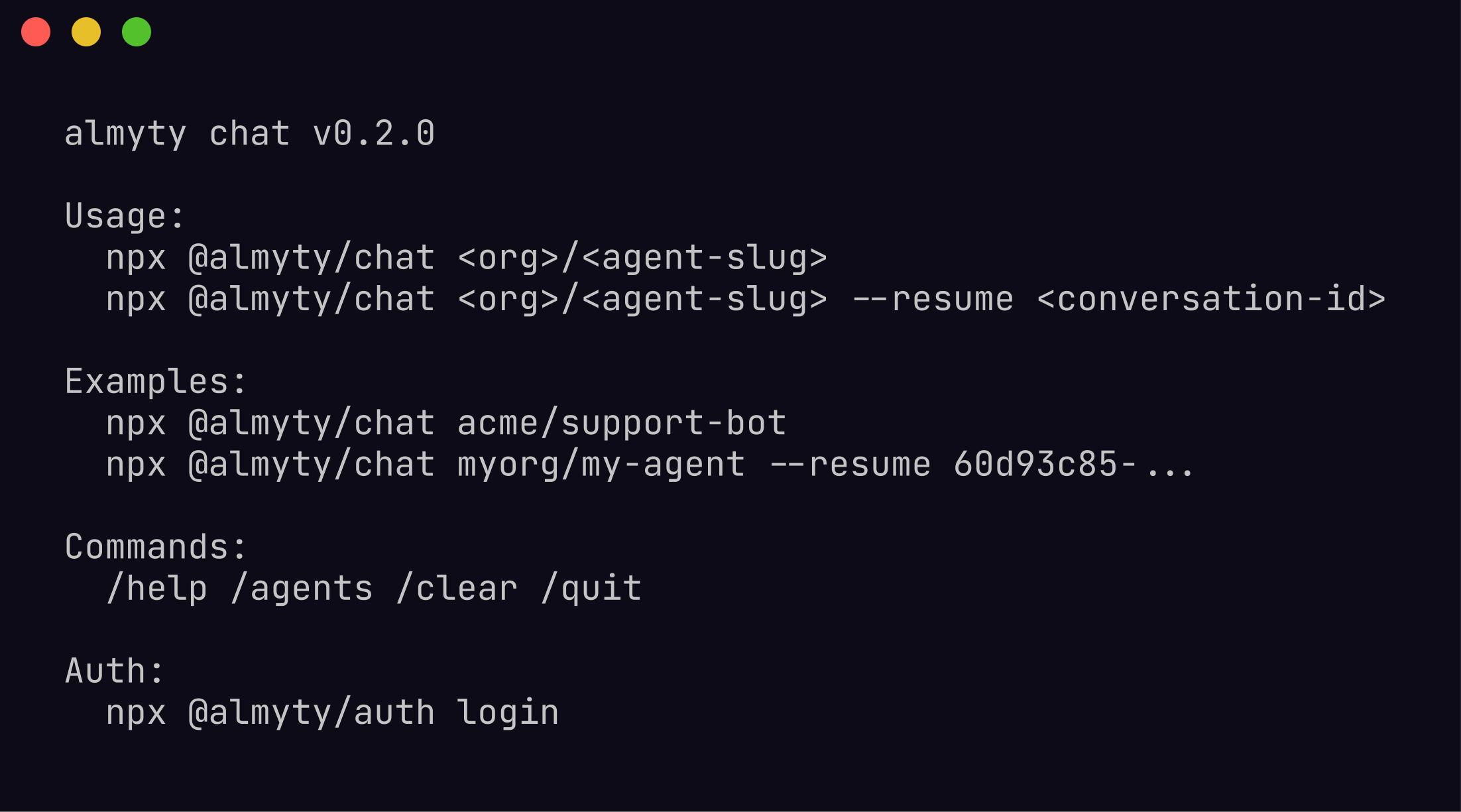
Start a chat
Pass an agent by org/slug, by bare name, or run with no argument to pick from a list:
npx @almyty/chat                    # interactive picker
npx @almyty/chat research-bot       # by name
npx @almyty/chat acme/support-bot   # by org/slug
npx @almyty/chat research-bot --resume <conversation-id>
Connected to research-bot (autonomous mode)
Type /help for commands, /quit to exit.
research-bot>How it responds
Workflow agents run their pipeline once per message and reply. Stateless between messages unless the agent uses memory.
Autonomous agents start a run on each message, take multiple steps, call tools, and stream each step as it happens. They can pause for confirmation before sensitive actions (human-in-the-loop).
research-bot> Find recent papers on protein folding with AlphaFold 3

[step 1] Planning search strategy...
[step 2] Searching: "AlphaFold 3 protein folding 2026 papers"
[step 3] Found 12 results, analyzing...

Found 8 relevant papers published in the last 6 months:
1. "AlphaFold 3 Multimer Predictions for Drug Target Complexes"
   Chen et al., Nature Methods, Feb 2026
...

research-bot>
Slash commands
Tab-autocompletes with fuzzy prefixes and aliases (/sw for /agents, /q for /quit).
| Command | Does |
|---|---|
/agents | Browse and switch agents (alias /switch, /sw) |
/tools | Show the tools available to this agent |
/runners | List your runners and their coding CLIs |
/code | Run a coding task on a runner |
/code-stop | Stop the active coding session |
/esc | Leave coding mode (the session keeps running) |
/clear | Clear the conversation |
/help | Show commands |
/quit | Exit (also Ctrl+C or Ctrl+D) |
Run a coding agent on your machine
If you have a runner connected, /code dispatches a task to a coding CLI (Claude Code, Codex, Gemini, Cursor, aider, and more) running on that machine. Output streams back into the chat, and your code and credentials never leave your box.
research-bot> /runners
  laptop        online   claude, codex, gemini
  build-box     online   claude, aider

research-bot> /code fix the failing test in packages/auth

[laptop · claude] Reading packages/auth/src/config.ts ...
[laptop · claude] The token precedence was inverted; patching ...
[laptop · claude] Running the suite ... 42 passing

research-bot> /esc          # detach, the session keeps running
Authentication
Chat reads the shared ~/.almyty/credentials.json. Log in once, or pass a token by env:
npx @almyty/auth login
ALMYTY_TOKEN=ak_live_... npx @almyty/chat research-bot
Troubleshooting
No agents found. Your org has no agents yet, or your token is for another org. Create one under Agents → Create Agent.
A run seems to hang. Autonomous runs can take minutes and stream as they go. If the connection drops the run continues server-side; check it with npx @almyty/agents runs <agent>.
Context feels lost between messages. Workflow agents are stateless by design. Use an autonomous agent, or give the workflow memory nodes, if you need context to carry.