Turn a code library into tools
Many services publish a ready-made code library (an npm package) for talking to them: Stripe, AWS, GitHub and thousands more. Point almyty at the package and it reads what the package can do; you then pick the functions your assistants should use, and each becomes a tool. No wrapper code to write.
For example: add the stripe package, and make tools for “look up a customer” and “create a refund”.
What you need
- The package name (and version), from npmjs.com.
- The service’s key, if it needs one.
- Someone comfortable reading a library’s function names, for step 3.
How to build it
- Add the package. Open APIs, click Connect an API and pick SDK / npm. Give it a name, add the package and version (for example
stripe, version^17.0.0), and click Connect API. almyty installs it in a safe, separate place and works out its functions and their inputs from the package’s own type information. - Keep the key safe. Save the service’s key in Credentials. Tools read it when they run; it never goes into a prompt.
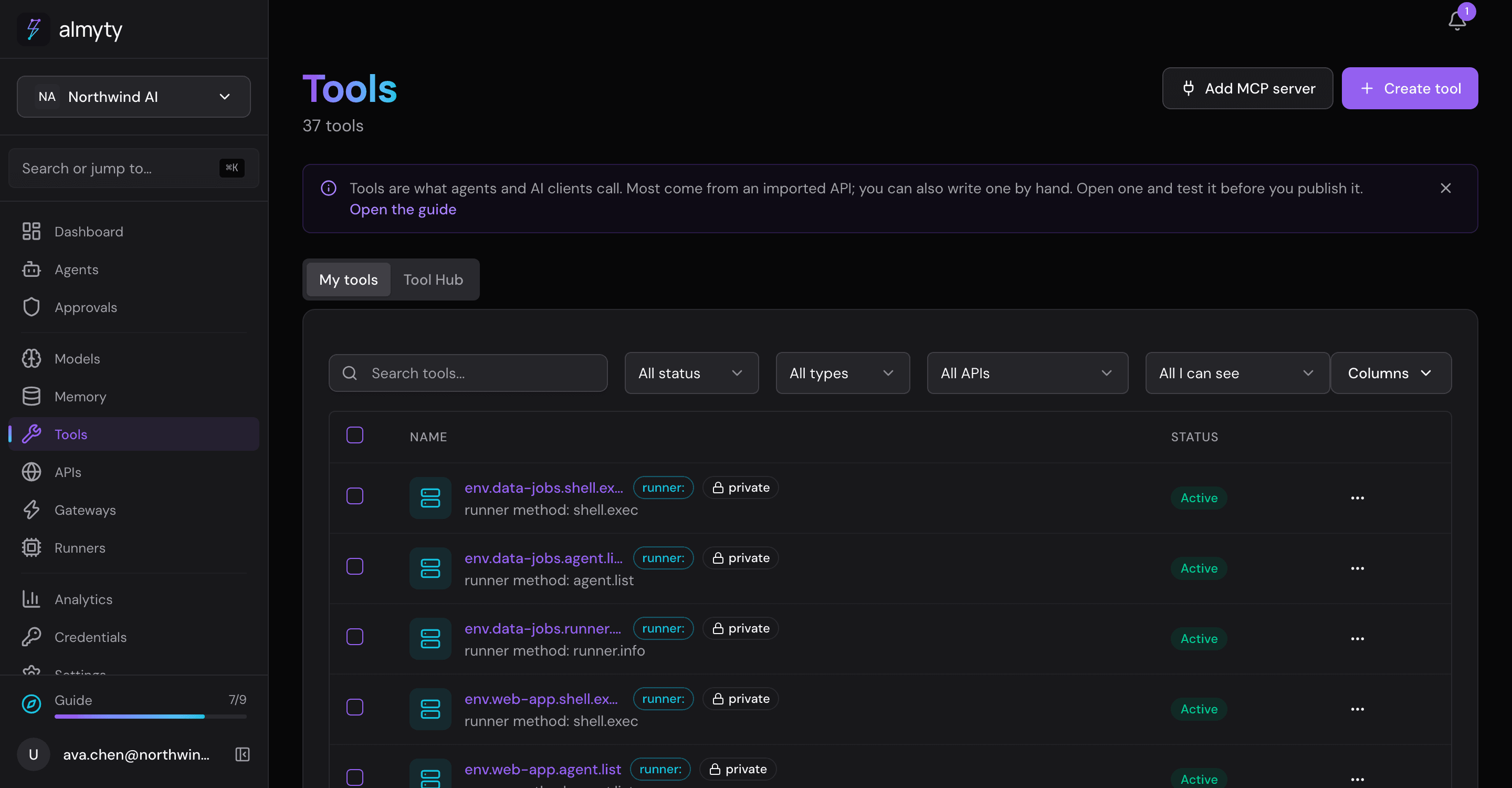
- Make a tool per function. Open Tools, click Create tool and pick SDK / npm package as the execution method. Choose the package, then the function, such as
refunds.create. For each of its inputs, say whether the caller fills it in, it is always the same, or it comes from a credential. Click Create tool, then test it on its page. - Use it. Pick the tools for an assistant under Tools and APIs, or offer them through a gateway.
Ideas
- It works for
@aws-sdk/client-s3,@octokit/restor any other package on npm, including private ones from your own registry. - Put these tools on the same gateway as a connected API.