Memory
Memory gives an agent recall across runs, so it remembers what matters without you restating it. Each memory is a piece of context (content plus an embedding) stored with a scope, a tier, and a validity period. At run time the agent retrieves the relevant ones by meaning and folds them into the prompt.
Memory is distinct from constraints: constraints are always-on prompt rules; memory is retrieved per turn by relevance.
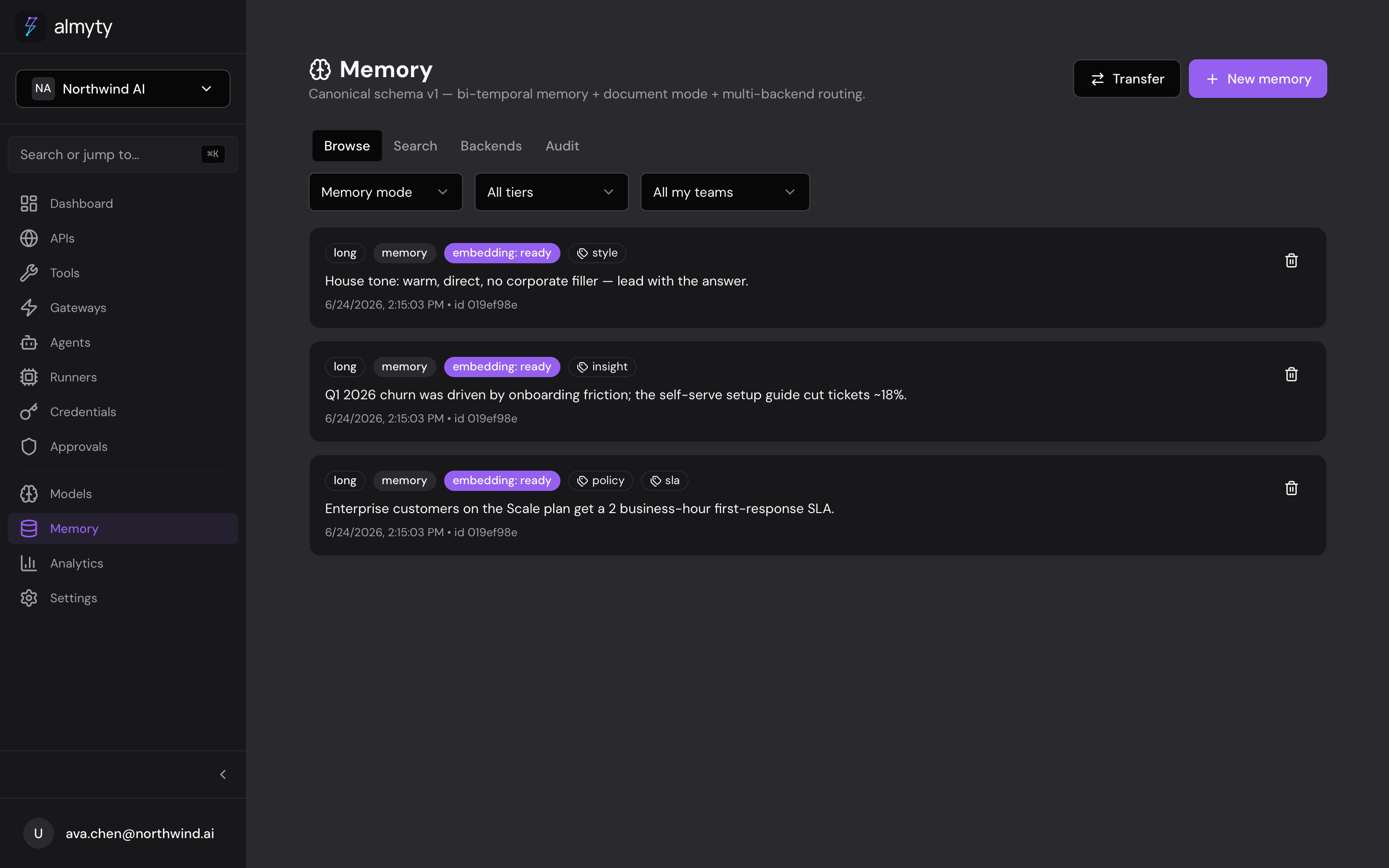
Tiers: short-term to long-term
The backend organizes memory into tiers, not fixed types. The tier decides how long a memory lives and how it is used.
| Tier | What it holds | Retention |
|---|---|---|
| Short | Session / ephemeral observations | Optional TTL; swept when it expires |
| Project | Work-product for an ongoing task | Medium |
| Long | Durable facts and preferences | No expiry |
| Shared | Cross-agent workspace knowledge | No expiry |
Short-term memory is captured continuously. An hourly consolidation job distills aging short-term rows into long-term facts (via an LLM), and a TTL sweeper retires short rows once they expire, but nothing is lost (see bi-temporal below). So an agent accrues observations, and the important ones graduate to durable memory on their own.
The fact / preference / context / episode / instruction labels you see in the UI are friendly names mapped onto tiers (fact, preference, instruction map to long; context maps to short; episode maps to project). They are a convenience, not a separate taxonomy: the system stores a tier.
Two modes
- Memory: facts, preferences, and observations an agent accumulates.
- Document: source documents you load for retrieval; they are chunked and versioned so the agent can cite from a knowledge base.
How retrieval works
Retrieval is hybrid search: vector similarity (pgvector, cosine) blended with Postgres full-text search, then filtered by scope, tier, tags, and validity. Embeddings are generated per scope with the organization’s own providers (OpenAI text-embedding-3-small preferred, Mistral mistral-embed next, and a deterministic fallback when neither is configured) and computed asynchronously, so a new memory becomes searchable a moment after it is written. Each memory records the model that embedded it; the vector half of search only compares vectors from the same model (embeddings from different models are not comparable), falling back to full-text search across models.
Bi-temporal history
Memory tracks two timelines, so you can ask not just what is true but what the agent knew, and when:
- Valid time: when a memory is true in the agent’s world.
- Transaction time: when it was written.
Updating a memory does not overwrite it: almyty writes a new current row and closes the old one. Expiry and consolidation also close rows rather than delete them. Because nothing is destroyed, an “as-of” query can reconstruct exactly what the agent knew at any past moment.
Multiple backends
almyty-native (Postgres + pgvector) is the full-featured default: it is the backend with bi-temporal history, TTL, and hybrid search. But memory is pluggable: a per-scope router can point a scope at a different store, so you can bring your own.
| Backend | Notes |
|---|---|
| almyty-native | Default; full feature set |
| Anthropic memory tool | |
| mem0 | |
| Zep | |
| Supermemory | |
| Vertex Memory Bank | Google Vertex |
Operations a backend does not support fall back to almyty-native or return a clean error, so a scope is never silently broken.
Sync
A scope can mirror to a second backend. Every write is best-effort mirrored, and a scheduled reconciliation job keeps the two in lockstep (last-write-wins), so a dropped mirror write heals on its own. Use it to keep almyty-native and an external store (mem0, Zep, and so on) eventually consistent.
Scoping
Every memory belongs to a scope (user, workspace, project, or collab) and every query filters on it. That scope is the isolation boundary: an agent only ever reads memory it is entitled to.
Add a memory
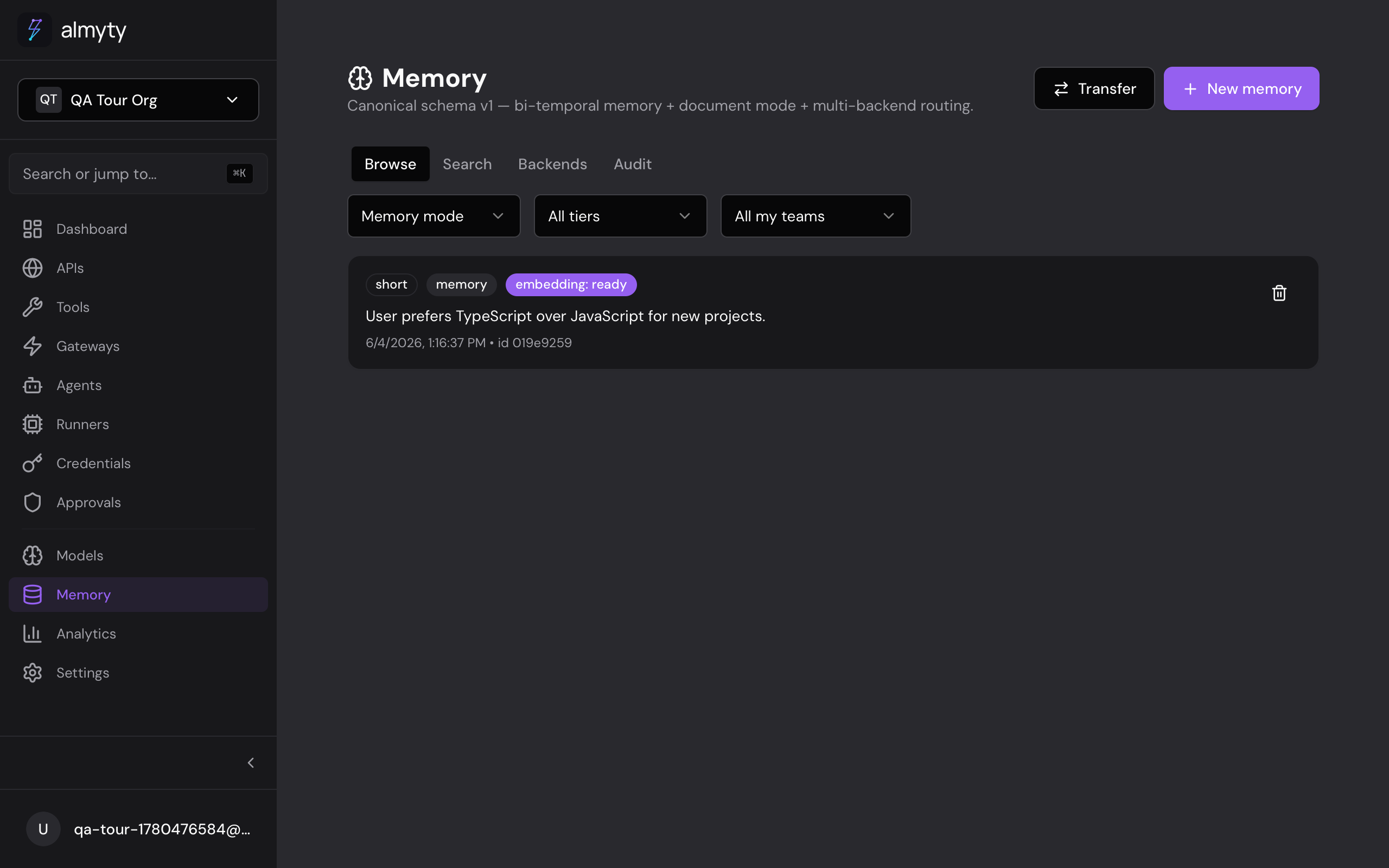
In the UI, open an agent’s Memory tab and click Add Memory, or let the agent save them automatically during a run.
From your AI assistant, the native MCP control plane exposes memory_put, memory_search, memory_supersede, and more, so you can read and write memory from Claude Code or Cursor. See Control almyty via MCP. Memory CRUD is also available over REST in the API reference.
Related
- Autonomous agents: enable memory on an agent
- AI Models: the provider that generates embeddings