Put a ceiling on AI spending
For whoever has to explain the AI bill. Set a spending budget for the whole organization or for one assistant, per day or per month, with an early warning before the limit. When the limit is reached you choose what happens: a warning only, or no new runs until the next day or month. A runaway assistant can’t quietly spend the quarter’s money.
For example: $300 a month for the support assistant, a warning email at 80%, and new runs blocked at $300.
What you need
- Owner or admin access to your organization.
How to build it
-
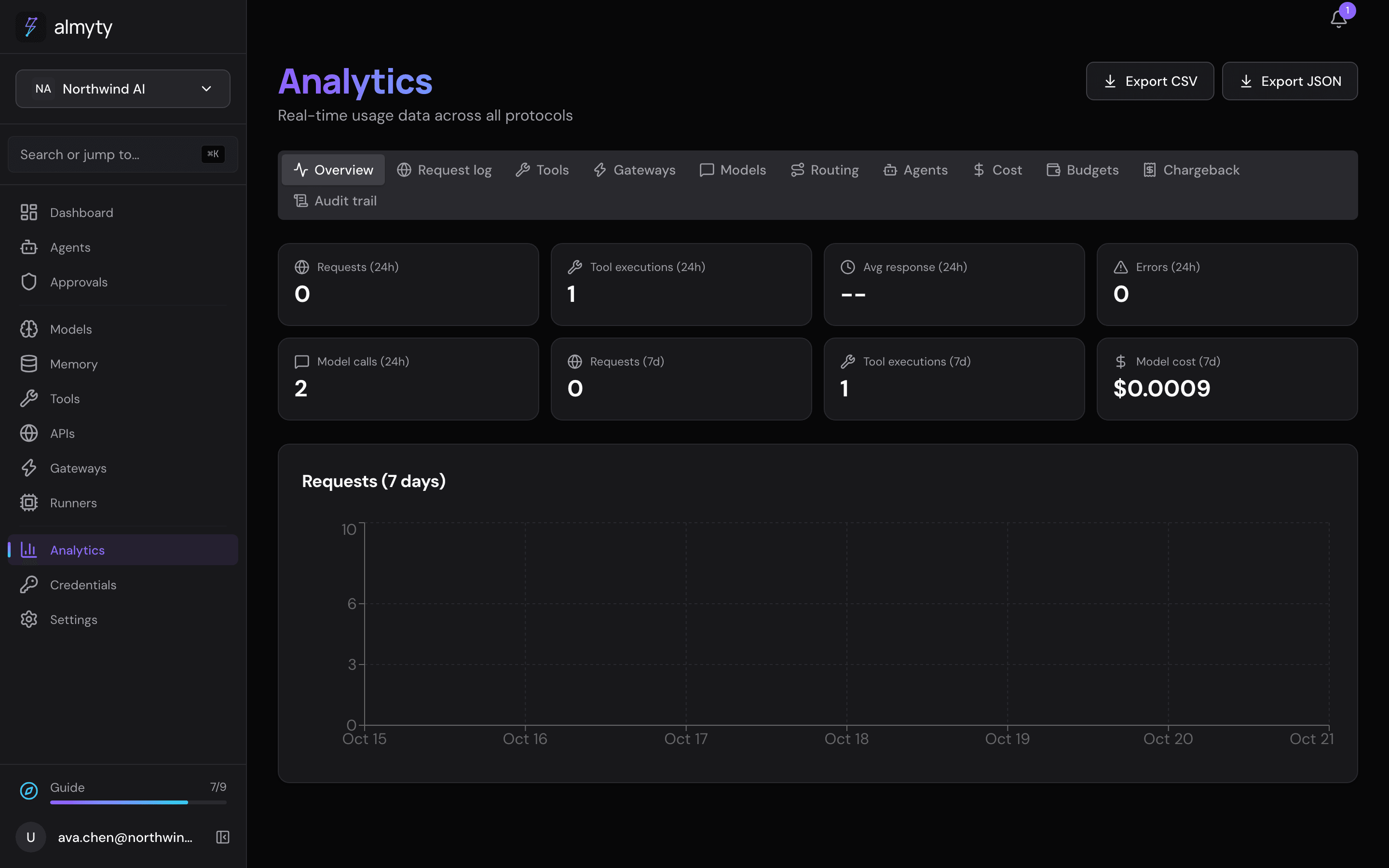
See where the money goes first. Open Analytics. The Cost tab shows spending over time and by assistant, so you know where to set the numbers.
-
Create a budget. On the Budgets tab, click New budget. Under Applies to, choose The whole organization or A single agent.
-
Set the limit. Enter the Limit (USD) and the Period: Per day or Per month.
-
Choose what happens. Under When the limit is reached, pick Warn only (runs carry on; owners and admins get an email, once per period) or Block new runs (scheduled runs, chat replies and API calls all stop until the period rolls over).
-
Get an early warning. Set Warn at (% of limit), for example 80. Nothing is blocked at that point; you just hear about it in time.
Ideas
- Give an experimental assistant a small daily budget of its own.
- For assistants open to the public, also set the per-visitor and per-day limits in its Branding and visitor rules (see Channels).
- To split costs across teams, the Enterprise plan adds a Chargeback report under Analytics.