Several coding assistants on one task
For engineers who want more than one coding assistant on a job, each on the AI model it is best with. A planning assistant splits the task up and hands the pieces to coding tools installed on your machine (Claude Code, Codex, aider and others), all working on the same code.
This builds on Let an assistant work on one of your machines: the coding tools run on your machine through a runner.
What you need
- A machine with your code and the coding tools installed, with a runner started on it.
- Keys for the AI providers those coding tools use, set up on that machine.
- Someone comfortable with a terminal.
How to build it
-
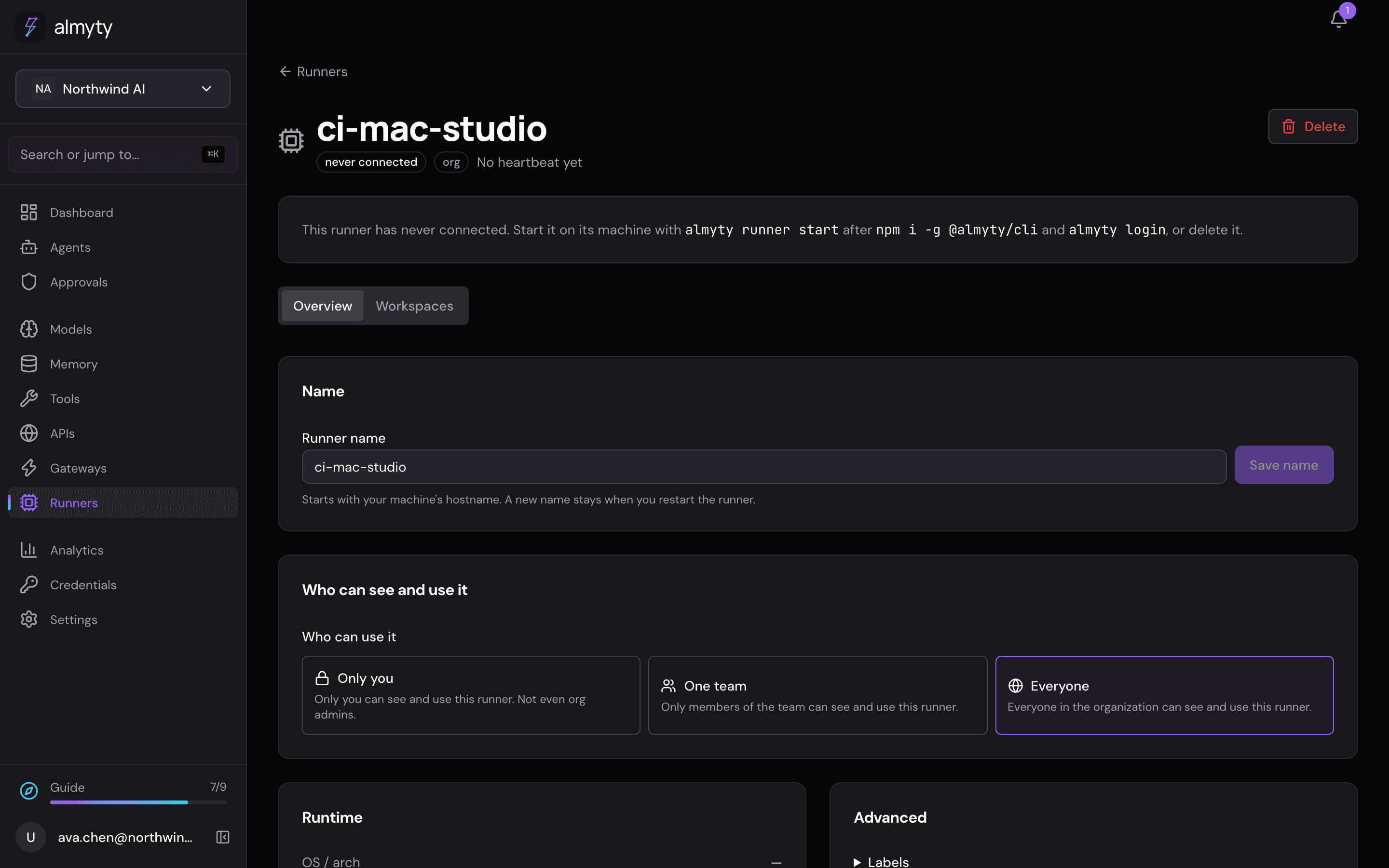
Start a runner on the machine with your code (see below). Its page lists, under Coding agents, the coding tools it found.
-
Create the planning assistant. Open Agents, click Create agent and switch to Autonomous. Under Tools and APIs, pick the runner’s tools: the one that runs a command (its name ends in
shell.exec) and the one that lists the coding tools on the machine. -
Write the plan into its instructions. For example: “Split the task into parts. For each part, run a coding tool in its non-interactive mode in the project folder (give its full path), one tool per part, then check the result.” Name the command for each tool (see below).
-
Review the result. Every coding tool works in the same project folder on your machine. Review the changes as you normally would.
The plan lives in your instructions: almyty runs the commands on your machine and returns what they print; it doesn’t decide the split for you. The coding tools talk to their AI providers directly from your machine.
For developers
npm i -g @almyty/runner @almyty/auth
almyty-auth login
almyty-runner start --name my-laptop
Each coding tool has its own non-interactive command, for example claude -p "<task>", codex exec "<task>" or aider --message "<task>". For long interactive sessions driven by a script instead of an assistant, the runner API has coding sessions (POST /runners/:id/coding/sessions, then its input, stop and events endpoints), which start a coding tool unattended with its own settings and report whether it is busy, idle or waiting for input. See Runners.
Ideas
- Put a different model behind each coding tool.
- Have a review assistant check what they produced.