Send your audit trail to your security team’s tools
almyty records every action an assistant takes and every change anyone makes to it: who, when and what. This example sends that record to the log tools your security team already watches, so assistant activity sits next to everything else they monitor and they can set alerts on it.
For example: your security team gets an alert when an assistant issues more refunds in an hour than it normally does in a day.
Exports and streaming need the Business plan. Without it, you can browse the most recent entries in almyty.
What you need
- The Business plan.
- A log tool that accepts events over the web: Splunk (its HTTP Event Collector), Datadog, or any address that accepts JSON.
How to build it
-
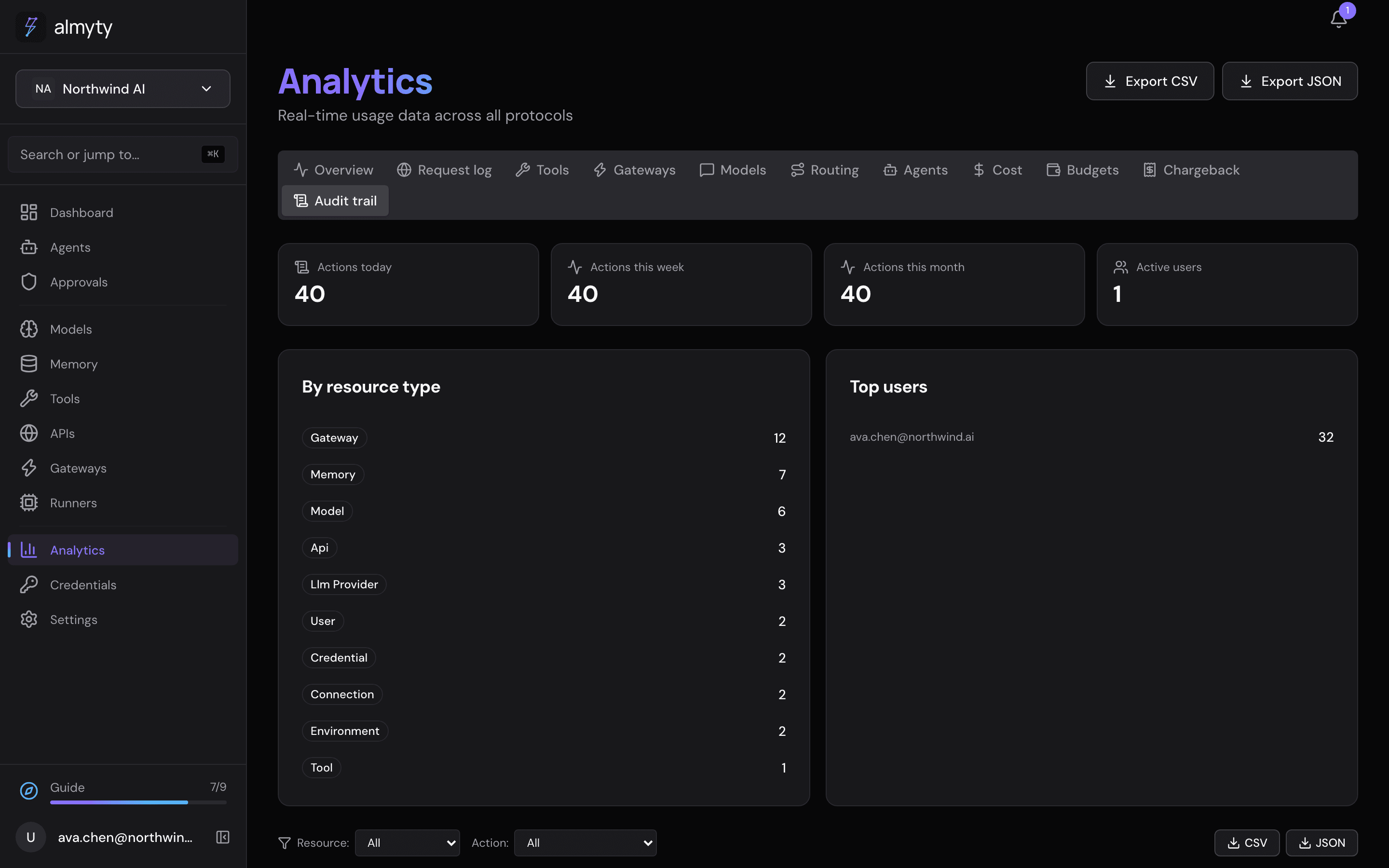
Look at what is recorded. Open Analytics and the Audit trail tab. Tool calls, approval decisions, configuration changes and runs are already there; there is nothing to switch on.
-
Download it when you need it. On the Audit trail tab, export the record as CSV or JSON, for example for an auditor.
-
Stream it continuously. Open Settings, then Audit streaming under Advanced. Pick the Target (Webhook, Splunk HEC or Datadog), paste the Endpoint and, if needed, the Token, and click Add target. New entries are sent there as they happen.
-
Set alerts in your own tool: a spike in refunds, an assistant using something it shouldn’t, a rejected approval.
-
Know who did what. With single sign-on, the “who” in each entry is a real person from your company directory.